
Gaming
Marvel Tokon Fighting Souls: 7 Essential Launch Facts
Marvel Tokon Fighting Souls launches on PS5 and PC. Explore its 20-character roster, 4v4 mechanics, cross-play, editions, modes, and regional timing.

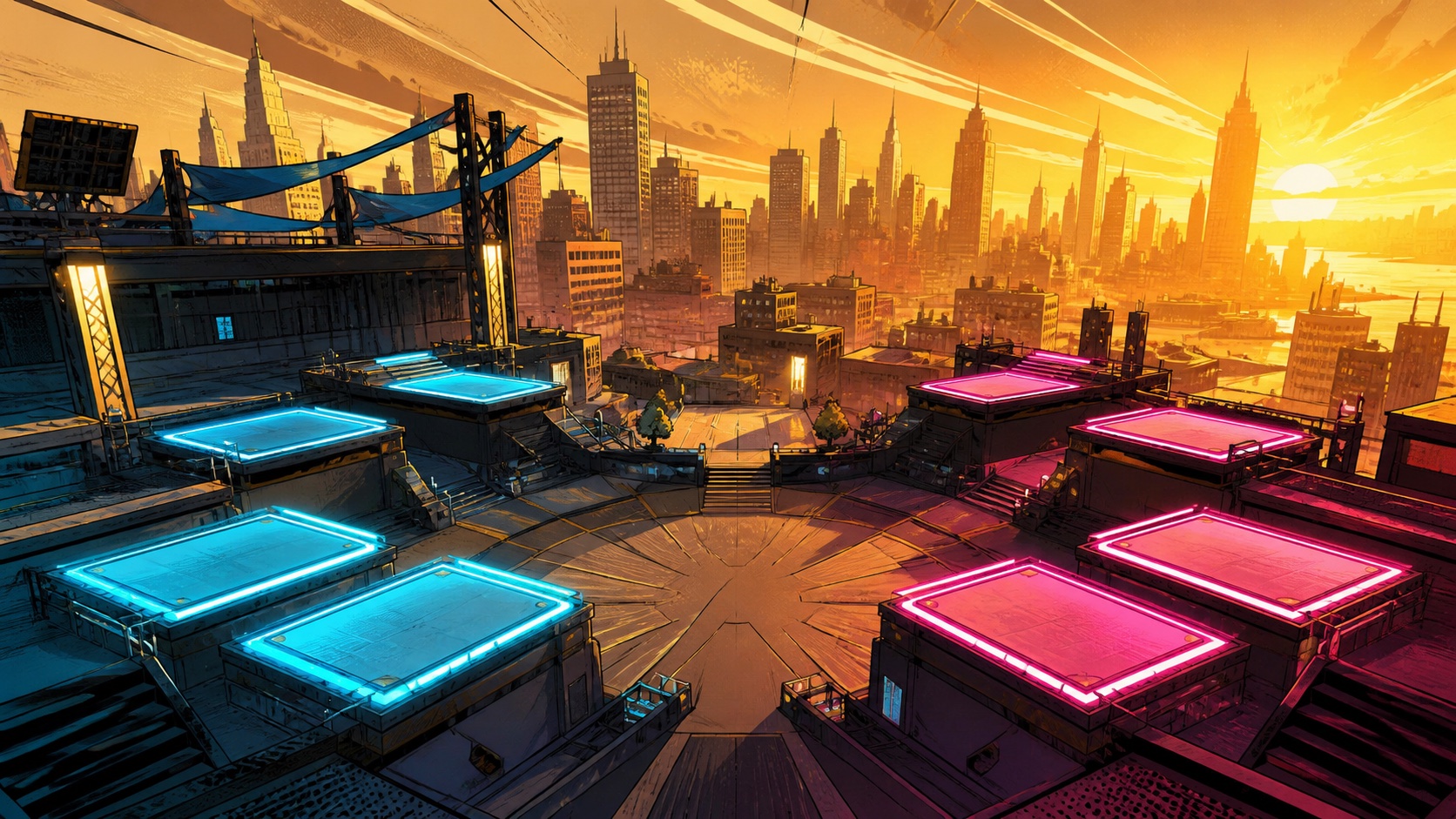
Marvel Tokon Fighting Souls launches today, August 6, 2026, on PlayStation 5 and PC, bringing Arc System Works’ expressive anime-fighter expertise to a 4v4 Marvel tag game. The release combines a 20-character launch roster, cross-play, a single-player Episode Mode, local battles, ranked competition, and dynamic stages. However, its team system does not work exactly like a traditional four-character tag fighter, so understanding the rules before choosing a squad matters.
The official regional schedule also contains one important exception: New Zealand, Australia, Japan, and Korea receive the game on August 7. Meanwhile, the US PlayStation listing identifies a 3:00 p.m. UTC unlock on August 6. PC and regional storefront timing can vary, so players should trust the countdown shown by their purchased platform. Here are the seven essential launch facts, with edition prices and mechanics explained clearly.
Marvel Tokon Fighting Souls Launches on PS5 and PC
PlayStation’s official game page confirms PS5 and PC as the launch platforms. There is no PS4, Xbox, or Nintendo Switch version listed. The PS5 edition supports Remote Play, DualSense vibration and haptic features, high-speed loading, and PS5 Pro enhancements, including PlayStation Spectral Super Resolution upscaling.
Although the North American release date is August 6, Sony’s regional note moves the launch to August 7 in New Zealand, Australia, Japan, and Korea. Therefore, “launches today” depends on the player’s location and storefront. The US PlayStation Store lists 3:00 p.m. UTC, but buyers on PC or outside that storefront should use their local platform countdown instead of assuming one universal unlock hour.
The Launch Roster Contains 20 Marvel Fighters
Marvel Tokon Fighting Souls starts with 20 playable characters, each reinterpreted through the game’s angular anime-inspired visual language. Official materials highlight familiar names such as Spider-Man, Iron Man, Captain America, Storm, Ghost Rider, Star-Lord, Ms. Marvel, Doctor Doom, Wolverine, and Magik. Rather than flattening them into similar archetypes, the design gives each fighter a distinct range, movement plan, and team role.
For example, Iron Man pressures from mid-range with projectiles and aerial options, while Captain America uses an accessible all-round toolkit. Storm demands more technical control through wind-based setups, and Spider-Man closes distance with web-powered mobility. Consequently, new players should build a balanced first squad instead of selecting four favorites who all demand the same position or resources.
How the 4v4 Tag-Team System Actually Works
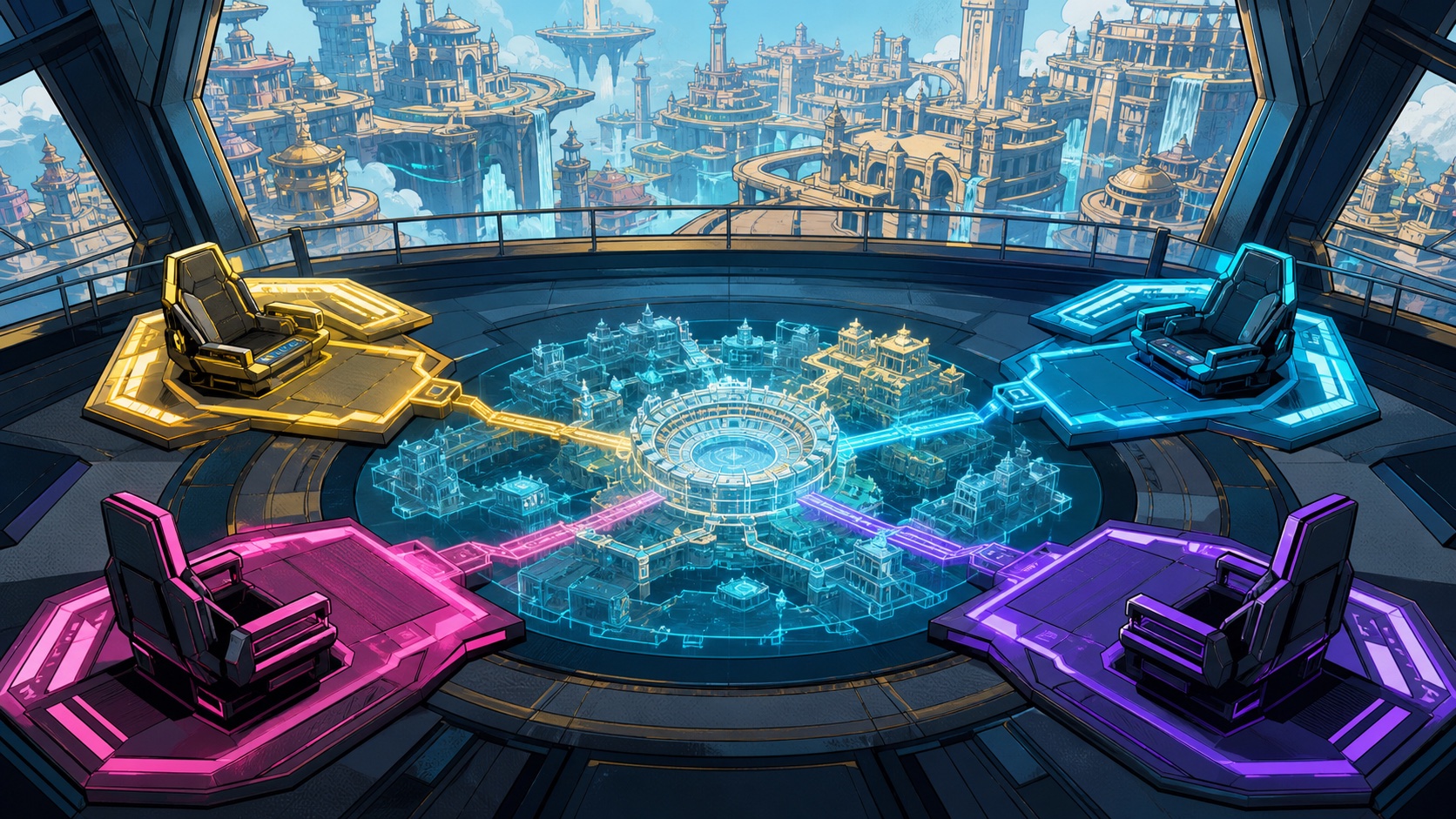
Despite the 4v4 label, Marvel Tokon Fighting Souls frames each match as a duel between two players, and each player controls one team of four. More importantly, all four teammates are not immediately available. According to the official FAQ, a player begins with access to the first two characters. The third and fourth members join after specific match events unlock them.
Players can expand their active team by landing a stage transition or wall bounce near the edge of an area, or by losing a round. That structure turns stage control into a roster-management decision: an environmental transition can provide more than spectacle because it may unlock another assist. Thus, a strong squad needs useful early characters as well as later members who can shift momentum.
Cross-Play, Online Lobbies and Episode Mode
Marvel Tokon Fighting Souls connects the PS5 and PC communities through cross-play, an especially valuable feature for a competitive fighting game’s long-term matchmaking health. Online options include casual and ranked matches, private room matches, spectator features, and a lobby that can support up to 64 players. PS5 owners need an active PlayStation Plus subscription for online multiplayer, although offline play does not require it.
Players who prefer solo content can enter Episode Mode, which tells an original Marvel story through motion-comic presentation and full voice acting. Sony says the game supports voices in ten languages and text in sixteen. Training tools and adjustable control styles—including traditional and quick inputs—also create a gentler entry point for Marvel fans who may not already play Arc System Works fighters.
Dynamic Stages Make Positioning More Important
The announced stages include Marvel’s New York, Savage Land, X-Mansion, Knowhere, and Asgard. These arenas contain multiple areas and interactive transitions rather than functioning as static backgrounds. Marvel’s New York, for instance, moves through the City Center, Hell’s Kitchen, and Avengers Park, while Knowhere unfolds across a vast cosmic environment built around a Celestial head.
Because a successful transition can help unlock the rest of a four-character team, stage awareness becomes part of match strategy. Players must judge whether pushing an opponent toward an edge is worth changing the arena state. That design could make Marvel Tokon Fighting Souls immediately readable for spectators while giving experienced players another layer to optimize beyond combos and assists.
Standard, Digital Deluxe and Ultimate Editions
The Standard Edition costs $59.99 in the United States and includes the base game. The Digital Deluxe Edition costs $84.99 and adds the Year 1 Characters and Stage Pass, Howard the Duck as a lobby avatar, and Cosmo as a lobby pet. The pass covers four post-launch characters and one additional stage, with its remaining content expected by December 31, 2027.
The $99.99 Ultimate Edition contains the Digital Deluxe package plus five costumes and an animated color option for all 20 launch fighters. Its costumes cover Spider-Man, Storm, Iron Man, Captain America, and Doctor Doom, with Spider-Man receiving an Advanced Suit 2.0-inspired design. Regional prices differ, so these dollar amounts should be treated as US MSRP rather than global conversions.
Which Marvel Tokon Edition Should You Buy?
Most players should start with the Standard Edition unless they already expect to follow the competitive game for its full first year. It includes the complete 20-character launch roster and all core modes, while the more expensive packages mainly add future characters, one stage, and cosmetics. Waiting also gives cautious buyers time to evaluate online performance, balance updates, and the post-launch roadmap.
The Digital Deluxe Edition makes more sense for dedicated fighting-game players because its gameplay additions cost less than buying the Ultimate tier. Choose Ultimate only if the five costumes and animated colors justify the extra $15 to you. Fans comparing other anime-styled arena experiences can also revisit OtakuZasshi’s coverage of Dragon Ball: Sparking! Zero and our earlier Tekken 8 roster analysis.
Marvel Tokon Fighting Souls arrives with a smart launch proposition: recognizable heroes, bold Arc System Works presentation, a sizeable roster, cross-play, and a 4v4 system that makes stage transitions mechanically meaningful. The Standard Edition offers the safest starting point, while the Deluxe package targets players committed to the Year 1 roster expansion. Check your regional storefront’s countdown, assemble two reliable opening fighters, and treat the final two team slots as strategic reinforcements rather than automatic assists.







Gaming
TANUKI: Pon’s Summer Release Date, Platforms and Demo
TANUKI: Pon’s Summer launches November 10. Compare platforms, Switch cross-buy, Steam demo saves, Game Pass access and PC requirements before buying.
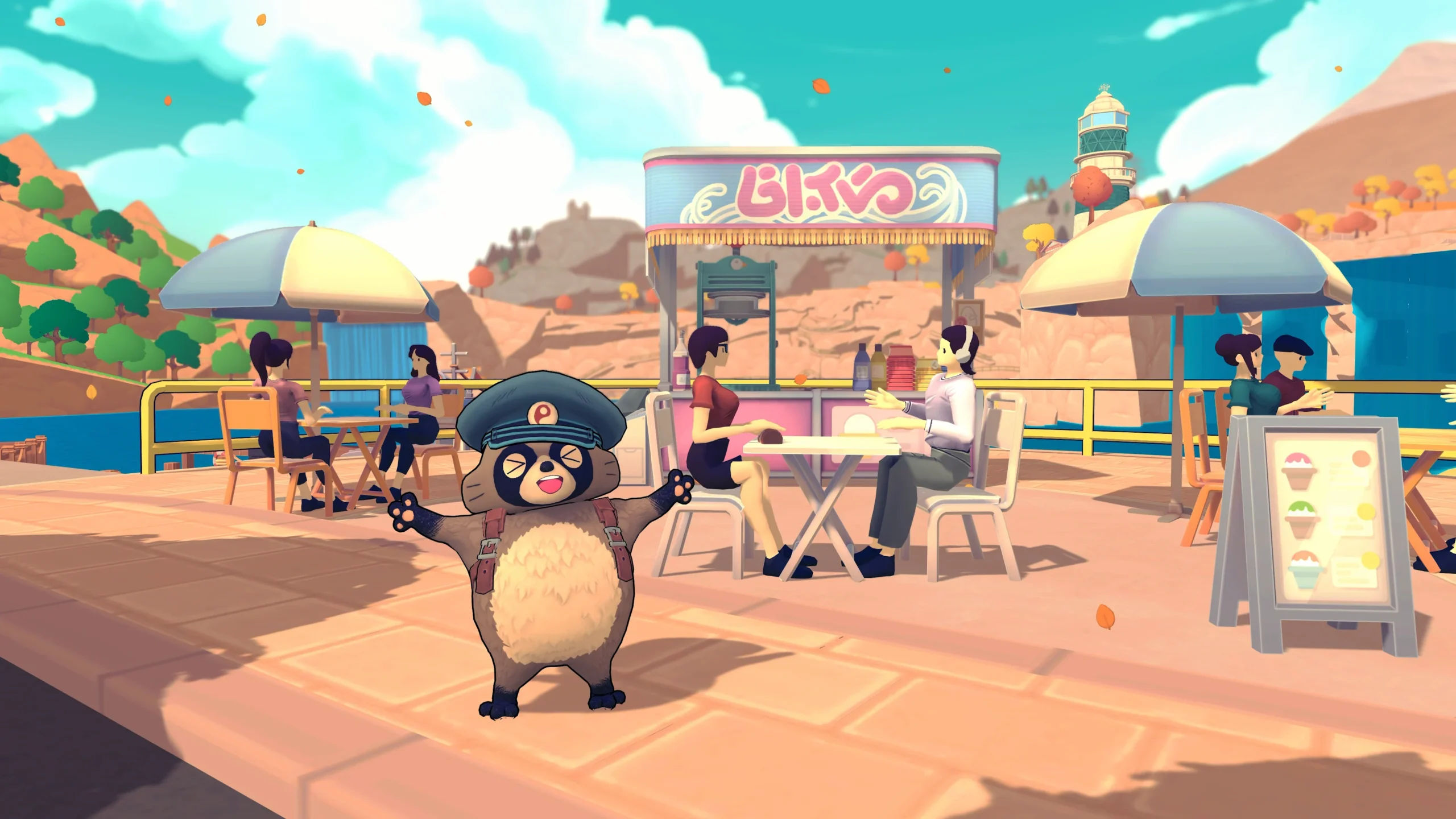
TANUKI: Pon’s Summer releases on November 10, 2026, bringing Pon’s bicycle-delivery adventure to Nintendo Switch, Switch 2, PlayStation 4, PlayStation 5, Xbox and PC. If you are deciding where to play, the useful details are not just the date: Nintendo buyers have a cross-buy offer, while Steam players can try a demo with progress that carries into the full game.
Denkiworks and CRITICAL REFLEX have outlined the launch plans, and the official Nintendo listing confirms the November date. Here is how the versions, demo and purchase options compare, with unconfirmed details kept separate from promises.
TANUKI: Pon’s Summer Release Date and Platforms
The publisher announced the date during the October 28 Nintendo Indie World showcase. Its launch announcement includes the newly revealed Switch 2, PS5 and PS4 versions alongside the previously announced platforms. That makes this a useful option for players who have not moved to the newest console generation.
| Platform | Release date | What to check |
|---|---|---|
| Nintendo Switch and Switch 2 | November 10, 2026 | Cross-buy offer between the two versions |
| PlayStation 4 and PlayStation 5 | November 10, 2026 | Your regional PlayStation listing |
| Xbox consoles and Xbox on PC | November 10, 2026 | Store eligibility and subscription coverage |
| PC via Steam | November 10, 2026 | Free demo and Windows requirements |
A release date does not establish a worldwide midnight unlock. Before planning a launch-night session, check the countdown in your own store region. In particular, readers in India should not convert a Japanese or American storefront date into a guaranteed local release time without a confirmed unlock schedule.
TANUKI: Pon’s Summer Switch Cross-Buy Explained
The publisher says purchasing either Nintendo version unlocks the other at no extra charge. Therefore, someone still using an original Switch does not need to buy both versions simply to keep a future Switch 2 option open. Check the offer on the regional eShop product page before completing payment.
However, cross-buy is not the same as cross-save. The announcement establishes access to the two versions, not every detail of moving a save between them. Likewise, it does not provide a performance comparison. Do not assume a particular frame rate, resolution or transfer procedure from the purchase offer alone.
Nintendo lists TV, tabletop and handheld play, plus one player on a single system. Its estimated download figures currently distinguish 622 MB for Switch and 779 MB for Switch 2. These are preorder estimates, so leave some storage headroom and check the final download rather than treating either number as permanent.
TANUKI: Pon’s Summer Demo and Save Transfer
The Steam demo covers the first three in-game days, with roughly two to three hours of play according to the publisher. Progress can carry into the full version at launch. You can find the download on the official TANUKI: Pon’s Summer Steam page, rather than searching for an unofficial installer.
This is a sensible way to decide whether the cycling feels enjoyable before paying. Keep your demo save intact until the full game recognizes it. The announcement does not establish a Steam-to-console transfer, so do not build a purchase plan around moving that PC progress to a Switch or PlayStation copy.
For another example of why platform-specific transfer rules matter, see our Dragon Quest VII Reimagined demo save guide. A demo can offer a head start, but the destination version matters as much as the existence of a carryover feature.
Price, Game Pass and the Xbox Version
CRITICAL REFLEX announced $19.99 preorders on Xbox and the Nintendo eShop. That is a US-dollar price, not a confirmed rupee, euro or pound conversion. The publisher also announced Game Pass availability on PC and consoles at launch. Check your membership’s catalog access before assuming that every subscription tier includes the game.
The official Xbox product page lists PC, Xbox One and Xbox Series X|S support, alongside Xbox Play Anywhere, Smart Delivery and cloud saves. Xbox One therefore appears in the store-supported device list even though the announcement emphasizes Series consoles. Use the listing for your account and region when confirming a purchase.
These options answer different questions. A purchase adds a license under that store’s terms; subscription access depends on your active plan and catalog availability. Meanwhile, Xbox Play Anywhere is an Xbox ecosystem feature, not a promise that a Steam purchase unlocks a Nintendo or PlayStation version.
PC Requirements and Language Support
Steam lists Windows 10 or later and 8 GB RAM for both its minimum and recommended configurations. The graphics requirements are relatively modest on paper, but a specification table cannot guarantee smooth play on every machine. Use the demo to assess your own setup, especially if you have older hardware.
| Component | Minimum | Recommended |
|---|---|---|
| Processor | 2.6 GHz quad-core or similar | Intel Core i5 3 GHz or AMD Ryzen 5 3 GHz |
| Graphics | GeForce 650 or Radeon HD 7750, at least 2 GB VRAM | GTX 950 or Radeon HD 7970, at least 2 GB VRAM |
| Memory | 8 GB RAM | 8 GB RAM |
| DirectX and storage | DirectX 11; 3 GB available | DirectX 11; 3 GB available |
The Steam language table includes English interface text and subtitles but does not mark English full audio. Read those columns separately if voice acting matters to you. Similarly, Windows support does not establish native Mac support, and a modest requirements list is not itself a Steam Deck certification.
What Pon’s Island Adventure Actually Involves
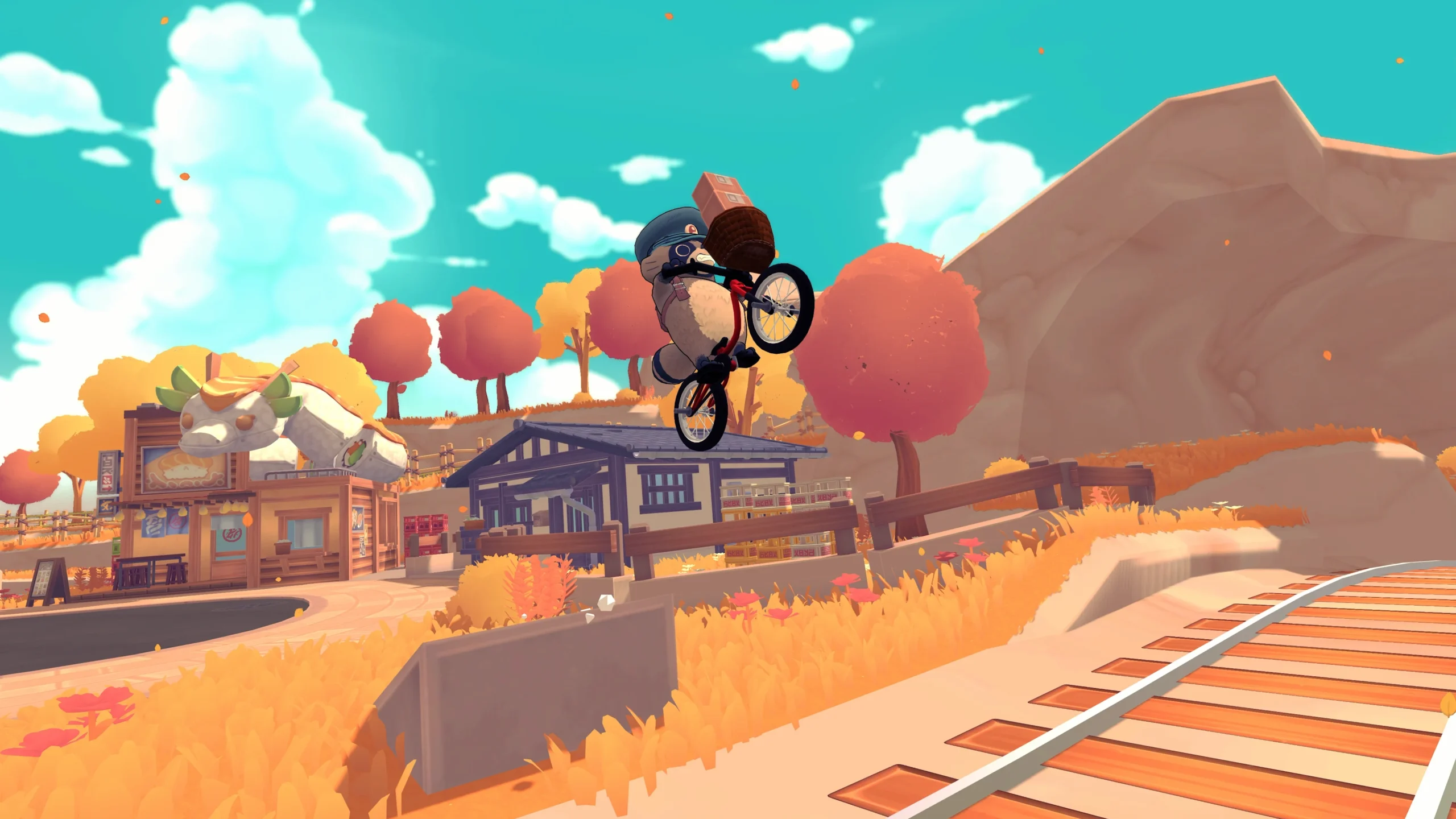
The publisher’s game overview describes a life-sim adventure built around postal work, BMX riding and restoring a shrine before the summer festival. Deliveries earn resources, while relationships with residents open activities and rewards. The setting draws on the developers’ experiences in Kyoto, Aomori, Sapporo and Beppu, rather than recreating one real city.
That combination is the appeal: getting around is part of the game, not merely the space between tasks. Our editorial recommendation is to use the demo to test the delivery-and-cycling loop first. Attractive scenery cannot tell you whether you enjoy handling the bike, and this guide is not a hands-on review of the finished release.
If Japanese-town atmosphere is your main draw, our Village in the Shade platform and edition guide offers a different direction for your shortlist. If management systems interest you more, compare the One Piece Grand Gourmet release and platform guide before choosing your next game.
TANUKI: Pon’s Summer has a straightforward next step for undecided players: try the Steam demo if you have a suitable PC, or verify the Nintendo cross-buy offer if handheld play is your priority. November 10 is the confirmed date; save compatibility, local pricing and subscription eligibility deserve a final check on the version you will actually use.
Gaming
Dragon Quest VII Reimagined Demo Save Transfer Guide
Dragon Quest VII Reimagined demo saves carry over, but Switch and Switch 2 differ. Learn how to continue your adventure and claim Maribel’s outfit.
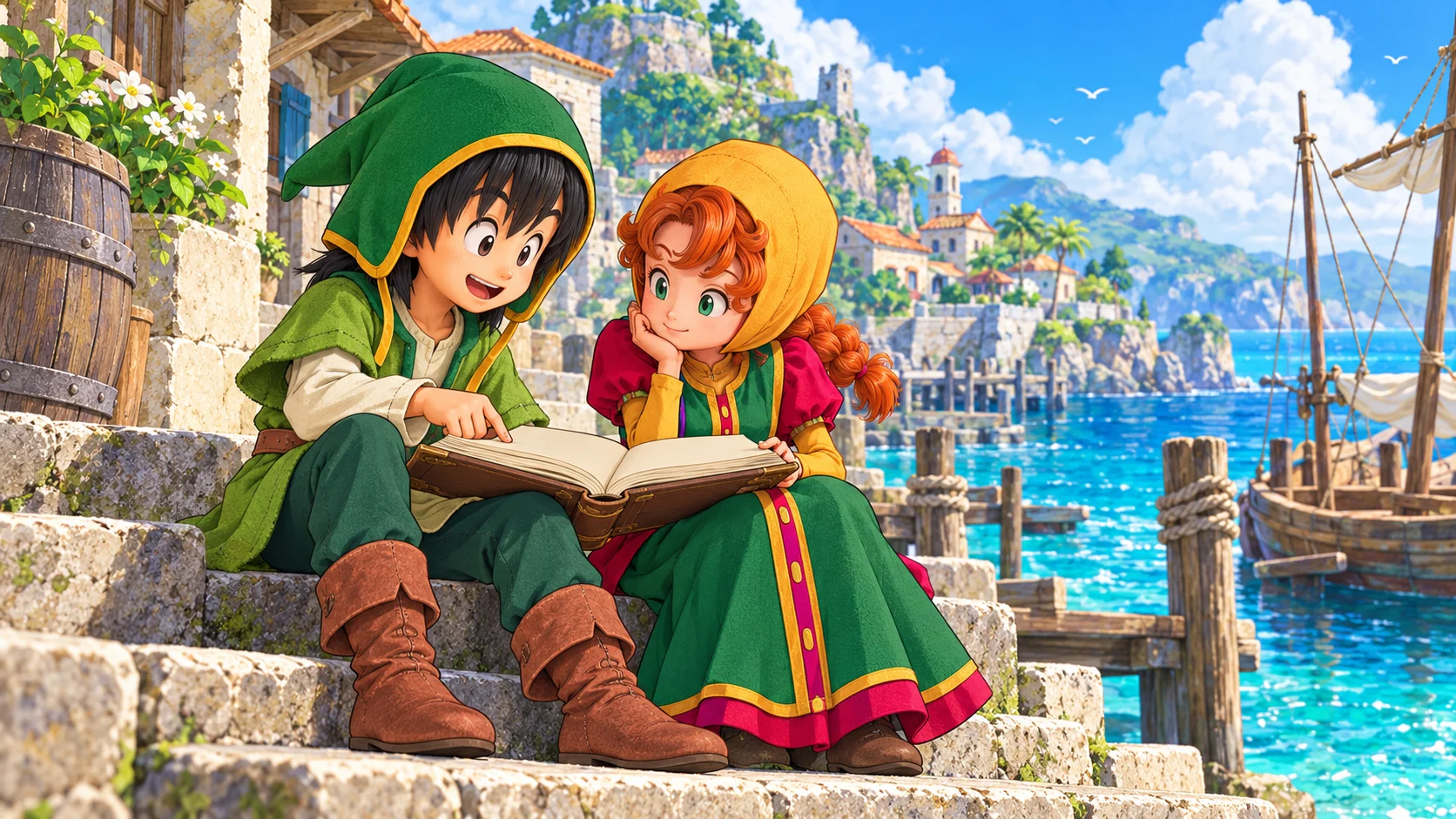
The Dragon Quest VII Reimagined demo supports save transfer to the full game, so you can continue your adventure instead of repeating the opening hours. However, the demo and full release must match platforms. In particular, Nintendo Switch demo data cannot transfer into the separate Switch 2 version. Here is how to protect your progress, understand the restrictions and collect Maribel’s demo outfit bonus.
How Dragon Quest VII Reimagined Demo Saves Carry Over
Square Enix’s save-transfer support page says the full version can load the Adventure Log created in the demo and resume from where you stopped. This is progress carried into the complete game, not merely a reward for trying it. Therefore, keep the original save intact until you have confirmed that the full version loads the correct adventure.
Before switching over, make a normal save in the demo and note the platform, user profile and point you reached. Then launch the matching full version and check that the loaded Adventure Log reflects your progress. These are precautionary checks, not a promise of a particular button layout. If the game presents an unfamiliar prompt, read it before confirming anything that could replace a save.
The official game FAQ confirms that demo saves work with both digital and physical full editions. Consequently, buying a boxed copy does not, by itself, disqualify a matching demo save. Platform compatibility remains the important boundary, so check the actual software name rather than assuming that the same console family means the same version.
Switch and Switch 2 Are Separate Versions
The most easily missed Dragon Quest VII Reimagined restriction concerns Nintendo’s two generations. Square Enix’s specific Switch demo-transfer answer says Switch demo data works only with the Switch full version, while Switch 2 demo data works only with the Switch 2 full version. The same platform-matching rule applies to the demo bonus.
Also, the broader FAQ says there is no Switch-to-Switch 2 upgrade path currently available or planned. The original Switch game can run on Switch 2, but that does not turn it into the dedicated Switch 2 edition or make the saves interchangeable. Decide which software you want before spending several hours in its demo.
| Demo you played | Full version you choose | Progress carries over? |
|---|---|---|
| Nintendo Switch | Nintendo Switch | Yes |
| Nintendo Switch 2 | Nintendo Switch 2 | Yes |
| Nintendo Switch | Nintendo Switch 2 edition | No |
| Nintendo Switch 2 | Nintendo Switch edition | No |
| One platform | A different platform | No cross-platform save transfer |
For a separate example of why platform details deserve a careful read, see our Kingdom Hearts Switch 2 upgrade and save-transfer guide. Each publisher sets its own rules; another game’s upgrade policy does not establish an entitlement here.
How to Get Maribel’s Day Off Dress
The Dragon Quest VII Reimagined demo reward is Maribel’s Day Off Dress, as confirmed by Square Enix’s demo-bonus support article. This is an additional outfit, not evidence of an extra story chapter or a paid-edition upgrade. Keep the reward separate from the question of importing your Adventure Log.
Importantly, starting the full game first does not automatically cost you the outfit. The publisher’s answer for existing players says that after launching the demo at least once, you can receive the bonus when resuming your current full-game save through Continue. You do not need to abandon an established adventure simply because you discovered the demo reward late.
The FAQ directs players to the in-game Claim Special Rewards menu for bonus items. Meanwhile, Square Enix’s original demo announcement includes same-device requirements in its bonus conditions. Use the matching version, profile and device where applicable, and consult support if your situation differs. Do not confuse receiving an outfit with merging progress from two separate saves.
Demo Limits Before You Spend More Time Grinding
Square Enix lists several demo restrictions: the playable range covers the early stages, character level stops at 15, Vocation Rank at 4, and held gold at 10,000. These limits help explain why a trial adventure may stop growing even though you still want to explore or fight more battles.
Most importantly, additional experience earned after level 15 does not carry into the full release. If your goal is an efficient start, repeatedly battling at the cap will not build a hidden reserve of transferable experience. Instead, use the remaining trial time to decide whether you enjoy the pacing and combat. This is practical purchasing advice, not a claim that the demo contains the entire game’s systems.
What to Check If Your Demo Save Is Missing
First, distinguish a missing save from an incompatible version. Confirm the console or PC storefront, software edition and user profile that created the Adventure Log. In particular, check whether you downloaded the original Switch demo on a Switch 2 console. The hardware in your hands does not change which version of the software produced that save.
Next, preserve the existing data while investigating. Avoid deleting the demo save, overwriting slots or starting repeated new adventures as a troubleshooting shortcut. Record what you see and contact Square Enix through its support page if matching software still cannot find the Adventure Log. The official rules do not establish a universal cross-store or cross-platform conversion service, so do not rely on unofficial promises of one.
Is the Dragon Quest VII Reimagined Demo Worth Starting?
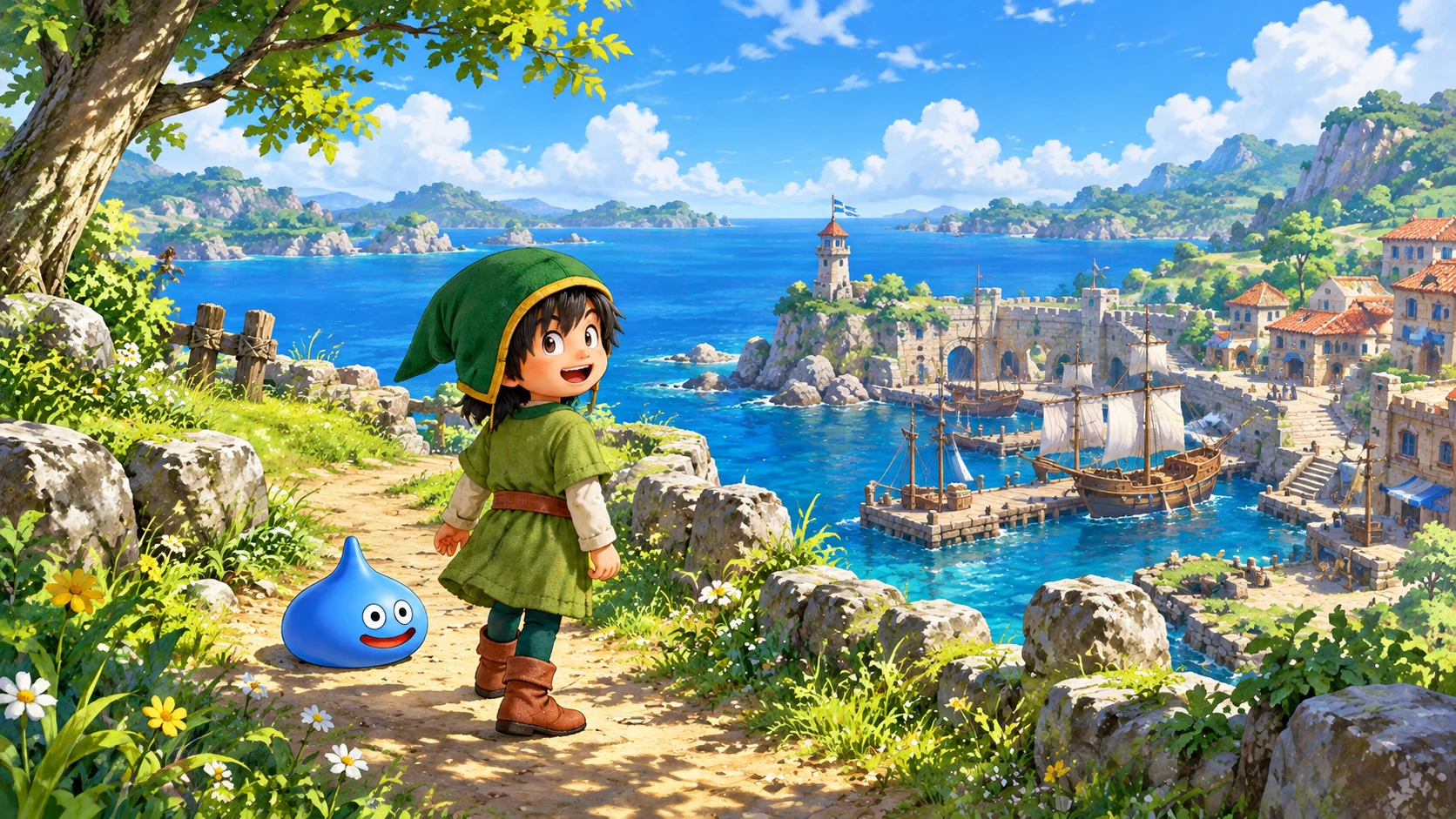
Yes, if you want to try the opening before committing and intend to continue on the same platform. The official game site describes an island adventure with diorama-style visuals and a streamlined story. The demo offers a way to judge that presentation for yourself, without treating promotional descriptions as a substitute for your own preferences.
However, choose your final platform first. Readers comparing another generation-specific purchase can also consult our Xenoblade Chronicles 2 Switch 2 edition guide, while remembering that its rules belong to a different game. For this remake, keeping the demo and full release aligned matters more than the physical-versus-digital distinction.
The simplest Dragon Quest VII Reimagined demo plan is to save carefully, continue in the matching full version and claim the outfit separately. Respect the Switch and Switch 2 boundary, do not grind beyond the experience cap expecting extra carryover, and keep your original data until the transfer is confirmed. That protects the time you have already invested.
Gaming
Village in the Shade Release Date and Editions Guide
Village in the Shade launches October 27. Compare platforms, Deluxe editions, Switch 2 format and the important Steam English-language warning before buying.
Village in the Shade has an October 27, 2026 Western release date on Nintendo Switch, Switch 2 and PS5, with Steam also included in NIS America’s launch campaign. However, PC buyers should notice an important distinction: Steam already lists a July 29 release, while its current page still warns that English is unsupported. This guide separates those dates, compares the editions and explains what to check before buying the unsettling farming sim.
Village in the Shade Release Date and Platform Guide
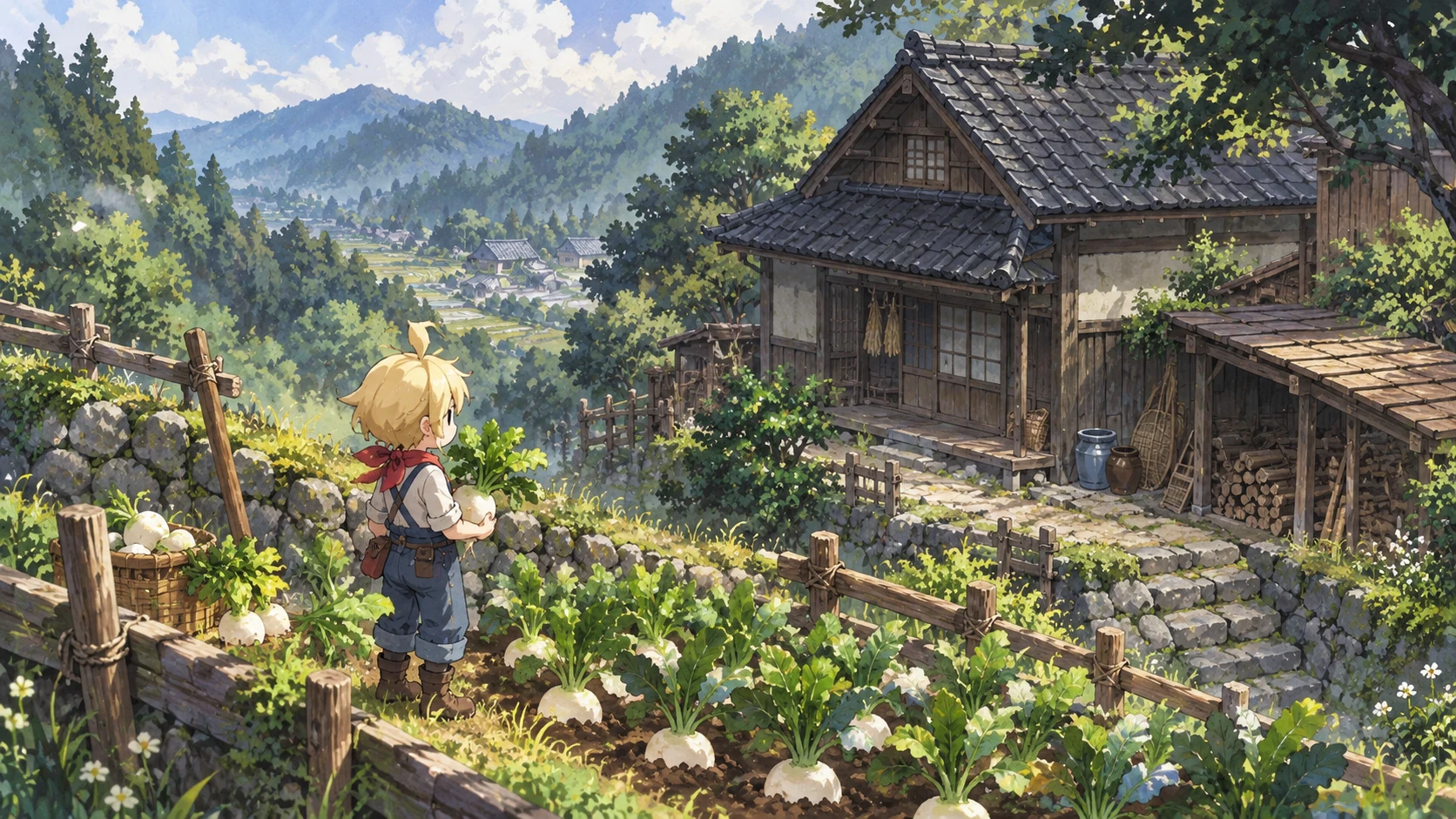
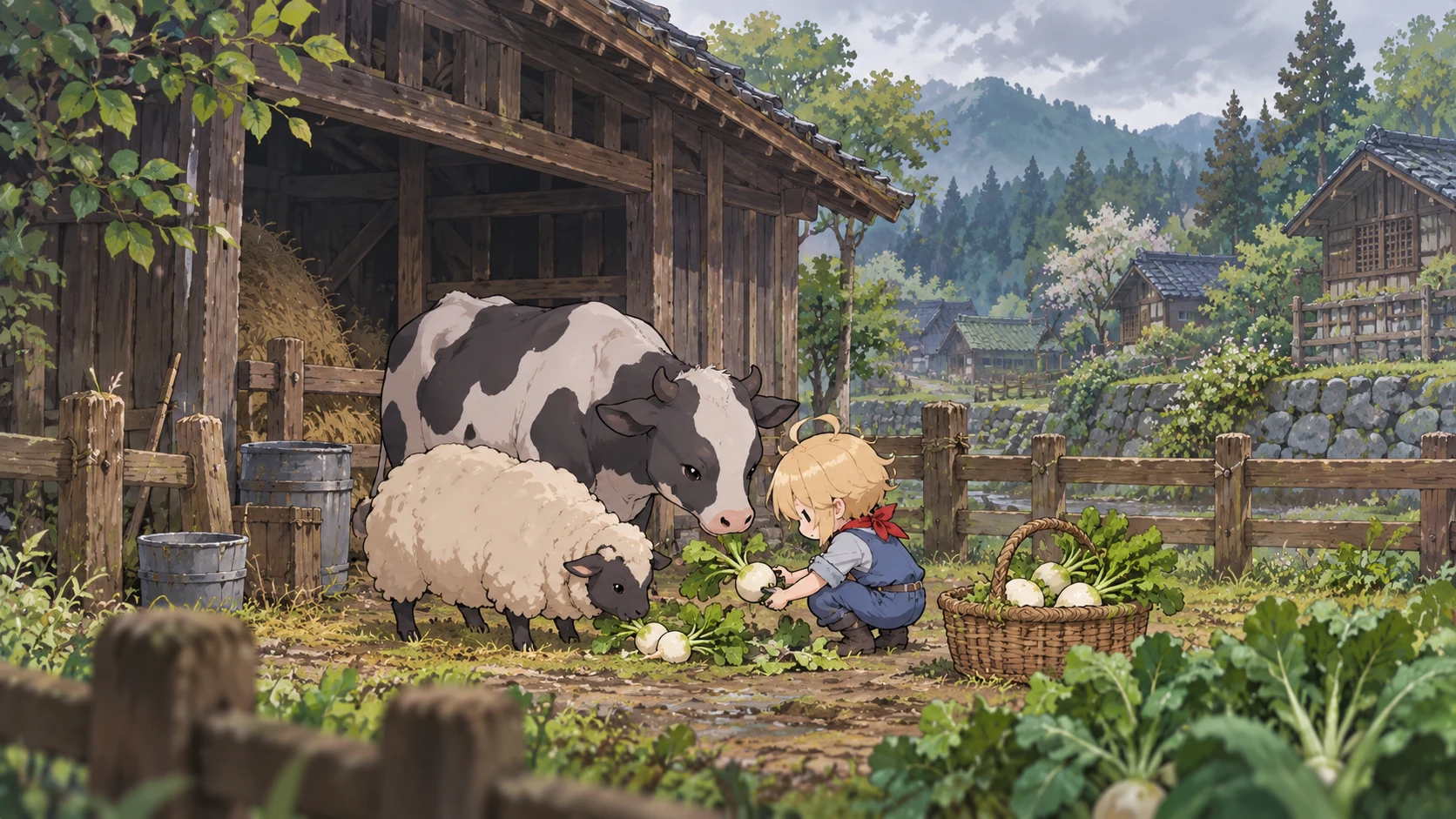
NIS America’s official site confirms October 27 and names Switch, Switch 2, PlayStation 5 and Steam. Nippon Ichi Software develops the single-player life simulation, which takes place in Kagatsu, a Japanese mountain village. Its appeal combines rural routines with an uneasy mystery rather than treating farming as a backdrop for conventional combat.
The October date therefore needs context, particularly on PC. The Steam product page records July 29, 2026 as its existing release date. Do not interpret the Western campaign as proof that nobody can play the game yet. Equally, buying an already available version does not prove that your preferred translation has arrived. Check the live language table, not just the purchase button.
| Platform | Published launch information | Buying check |
|---|---|---|
| Nintendo Switch | October 27 Western release | Select the original Switch package |
| Nintendo Switch 2 | October 27 Western release | Review Game-Key Card requirements |
| PlayStation 5 | October 27 Western release | Confirm your regional listing and console format |
| PC through Steam | Existing July 29 listing; included in October campaign | Check language support before purchasing |
For another recent Japanese simulation release, our One Piece Grand Gourmet platform guide covers a very different restaurant-management premise. The two games share a simulation audience, but their atmosphere and purchasing details should not be confused.
Village in the Shade on Switch 2 and PS5
The North American Limited Edition listing explicitly labels the Switch 2 option as a Game-Key Card. Treat that as a separate purchasing detail from the original Switch version. If a self-contained physical collection matters to you, read the package requirements carefully instead of assuming that every box contains the same kind of cartridge.
Meanwhile, the US PlayStation Store page lists October 27 at 16:00 UTC. That converts to 9:30 p.m. India Standard Time and 4 p.m. in the UK on that date. These are conversions of the US listing, not promises for Indian or UK storefronts, Steam or Nintendo. Consult your own store countdown before arranging a launch-night session.
Deluxe and Limited Editions Compared
The official UK Switch 2 Deluxe Edition includes the game, a digital soundtrack and a mini art book. Its listed price is £49.99 including UK VAT when checked for this guide. That regional figure is not an Indian price, and shipping or availability can change the practical cost of an import.
For Village in the Shade on PC, the Steam Deluxe bundle groups the base game with the Sounds from the Shade soundtrack and Touring Kagatsu art book. These digital extras are not the same product as a physical collector’s set. Choose based on whether you actually want music and artwork outside the game, rather than assuming that the word Deluxe unlocks a necessary gameplay advantage.
| Edition or purchase | Confirmed distinction | Best question to ask |
|---|---|---|
| Steam base game | Standalone digital game | Does the current version support my language? |
| Steam Deluxe bundle | Game, soundtrack and digital art book | Will I use the extras? |
| UK physical Deluxe | Game, digital soundtrack and mini art book | Which console package and delivery region? |
| North American Limited | Collector’s edition listed at US$89.99 | What exactly does the selected regional package include? |
The Limited Edition costs US$89.99 on NIS America’s North American store at the time of checking. Before paying more, compare the selected platform, included items and delivery terms directly. A collector’s price does not establish better performance, exclusive story content or a free cross-platform upgrade.
Village in the Shade Languages and PC Requirements
Village in the Shade’s publisher lists English, French and Spanish console text, with a broader PC language lineup on its official site. However, the current Steam page still displays an English-not-supported warning. That mismatch is worth highlighting rather than smoothing over: if English is essential, wait for the storefront to confirm support or seek clarification from the publisher before spending money.
Steam currently specifies Windows 10 or 11, 8GB RAM, an Intel Core i5-6400, GeForce GTX 750 Ti, DirectX 11 and 9GB free space as the minimum. Its recommended specification raises the CPU to an i5-12500, RAM to 16GB and graphics to a GTX 1650. Requirements are not benchmarks, so they do not justify promises about frame rate, resolution or handheld-PC compatibility.
Peaceful Life Mode and the Horror Behind Kagatsu
According to the publisher, Village in the Shade lets players farm, raise livestock, fish, hunt and build relationships. Kagatsu also has inherited rules, with frightening consequences if you break them. Peaceful Life Mode, selected at the start, prevents rule-breaking so players can pursue the countryside routine without taking that route into the village’s darker side.
This is an important distinction for anyone drawn in by the gentle artwork. A farming game can still contain disturbing material: Steam’s content notice includes horror themes, cartoon blood and violence, and themes of suicide. Check that notice before gifting it or choosing it purely as a relaxing distraction. This article is a purchasing guide, not a hands-on assessment of how intense each scene becomes.
Which Village in the Shade Version Should You Choose?
Start with three practical questions: which system will you use, does its current listing support your language, and do you want a physical package or digital purchase? Next, compare the complete regional price. Only then decide whether the soundtrack, art book or collector’s presentation adds enough value for you. That order keeps the purchase focused on the game you can actually play.
For related reading, our Kingdom Hearts Switch 2 upgrade and save-transfer guide explores another platform-specific buying decision, while the Castlevania Belmont’s Curse editions guide offers another Japanese-game package comparison. Neither game’s upgrade or edition rules should be applied to this release.
Village in the Shade arrives in its Western console launch window on October 27, but the useful buying decision goes beyond that date. Verify the translation, choose the correct format and decide whether Kagatsu’s mixture of everyday care and unsettling secrets suits you. With those checks complete, you can approach the village without an avoidable surprise at checkout.
-
 Gaming2 years ago
Demon Slayer Game Set for Digital Release on Multiple Platforms in 2024
-

 Latest News3 years ago
Release Date Revealed for ‘Rascal Does Not Dream of a Knapsack Kid’
-

 Latest News4 years ago
Love is in Sight! Anime ‘Girl Forgot Glasses’ Unveils Promo & Cast
-

 Gaming3 years ago
Tekken 8 Closed Network Test in July: Register Now
-

 Latest News2 years ago
Kengan Ashura 2nd Season Part 2: Promo, Theme, and Debut Date
-

 Latest News2 years ago
Predicting the Epic: Demon Slayer’s Infinity Castle Arc Movie
-

 Latest News2 years ago
First Glimpse: Live-Action Blue Period Film Trailer Unveiled
-

 Latest News3 years ago
New Baki Manga by Keisuke Itagaki Launching August 2023