
Gaming
Get Ready to Spike! Haikyuu!! MObile Game Launches Feb 28

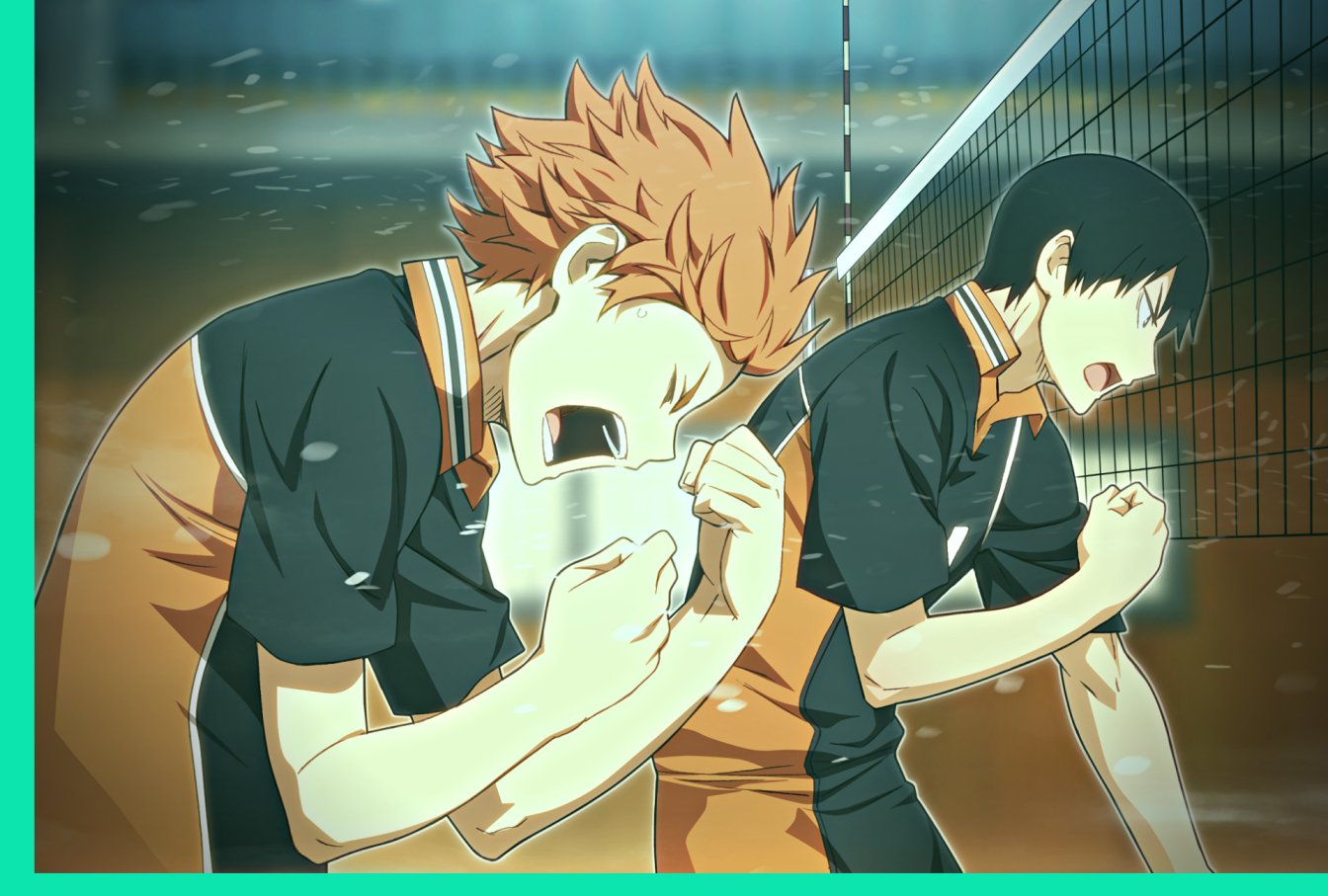
Fans of the popular volleyball manga and anime series Haikyuu!! have reason to be excited as the mobile game adaptation is set to launch on February 28th. The Haikyuu!! The mobile game lets fans control beloved series characters in exhilarating volleyball matches, promising a thrilling experience for players.
This article will cover Haikyuu!! world, mobile game overview, playable characters, game modes and features, and fan anticipation.
The World of Haikyuu: An Overview for New Fans
Haikyuu!! follows the journey of the Karasuno High School volleyball team as they aim to become the top team in Japan. The series features a diverse cast of characters, each with their own unique personalities and playing styles. Along the way, the team faces challenging opponents, deals with personal struggles, and learns valuable lessons about teamwork and determination.
For fans who may be unfamiliar with the series, the mobile game provides an opportunity to enter the world of Haikyuu!! and experience the excitement and drama of the story firsthand. With the game’s faithful recreation of the series’ characters and locations, players will be able to immerse themselves in the world of Haikyuu!! like never before.
A Closer Look at the Haikyuu Mobile Game: What to Expect
The Haikyuu mobile game promises to deliver an authentic and immersive experience to fans of the series. The game lets players control favorite characters in exciting volleyball matches with special moves and animations, straight from the anime.
The game will also feature a story mode, allowing players to experience key moments from the series and interact with their favorite characters. In addition, players can collect and train their favorite characters to improve their skills and abilities, unlocking new strategies and moves as they progress through the game.
Playable Characters: Who You Can Expect to See in the Game
The Haikyuu mobile game features a wide variety of playable characters, each with their own unique abilities and strengths. From the ace spiker Hinata to the calm and collected setter Kageyama, players will be able to choose from a diverse cast of characters and build their own dream team.
In addition to the main characters from the series, the game will also feature special versions of characters from different teams, allowing players to mix and match their favorite players to create the ultimate team.
Game Modes and Features: Exploring What the Haikyuu Mobile Game Offers
The Haikyuu mobile game offers a variety of game modes and features for players to enjoy. In addition to the story mode and standard volleyball matches, players can participate in special events and challenges, earn rewards by completing missions and achievements, and compete against other players in online matches.
The game’s training system includes various drills and exercises, enabling players to boost their abilities and skills. With so much content to explore, players will have no shortage of things to do in the world of Haikyuu!!
Fan Anticipation: Excitement Builds for the Haikyuu Mobile Game Launch
As the release date for the Haikyuu mobile game draws near, excitement among fans continues to build. With its faithful recreation of the characters and locations from the series, immersive gameplay, and wide range of game modes and features, the mobile game promises to deliver a thrilling experience to fans of the series.
Whether you’re a longtime fan of Haikyuu!! or new to the series, the mobile game offers ultimate fun.
Haikyuu mobile game’s imminent release gives series fans much to anticipate. Players can expect an exhilarating experience, from exploring the anime world to battling favorite characters in-game modes. As the game’s launch approaches, excitement and anticipation rise, indicating that the Haikyuu community is ready to spike the ball!
So mark your calendars for February 28th, and get ready to join the action-packed world of Haikyuu on your mobile device. Whether you’re a seasoned fan or a newcomer to the series, the Haikyuu mobile game promises to deliver a fun and immersive experience that will keep you entertained for hours. So what are you waiting for? Download the game and start spiking!







Gaming
Dragon Quest VII Reimagined Demo Save Transfer Guide
Dragon Quest VII Reimagined demo saves carry over, but Switch and Switch 2 differ. Learn how to continue your adventure and claim Maribel’s outfit.
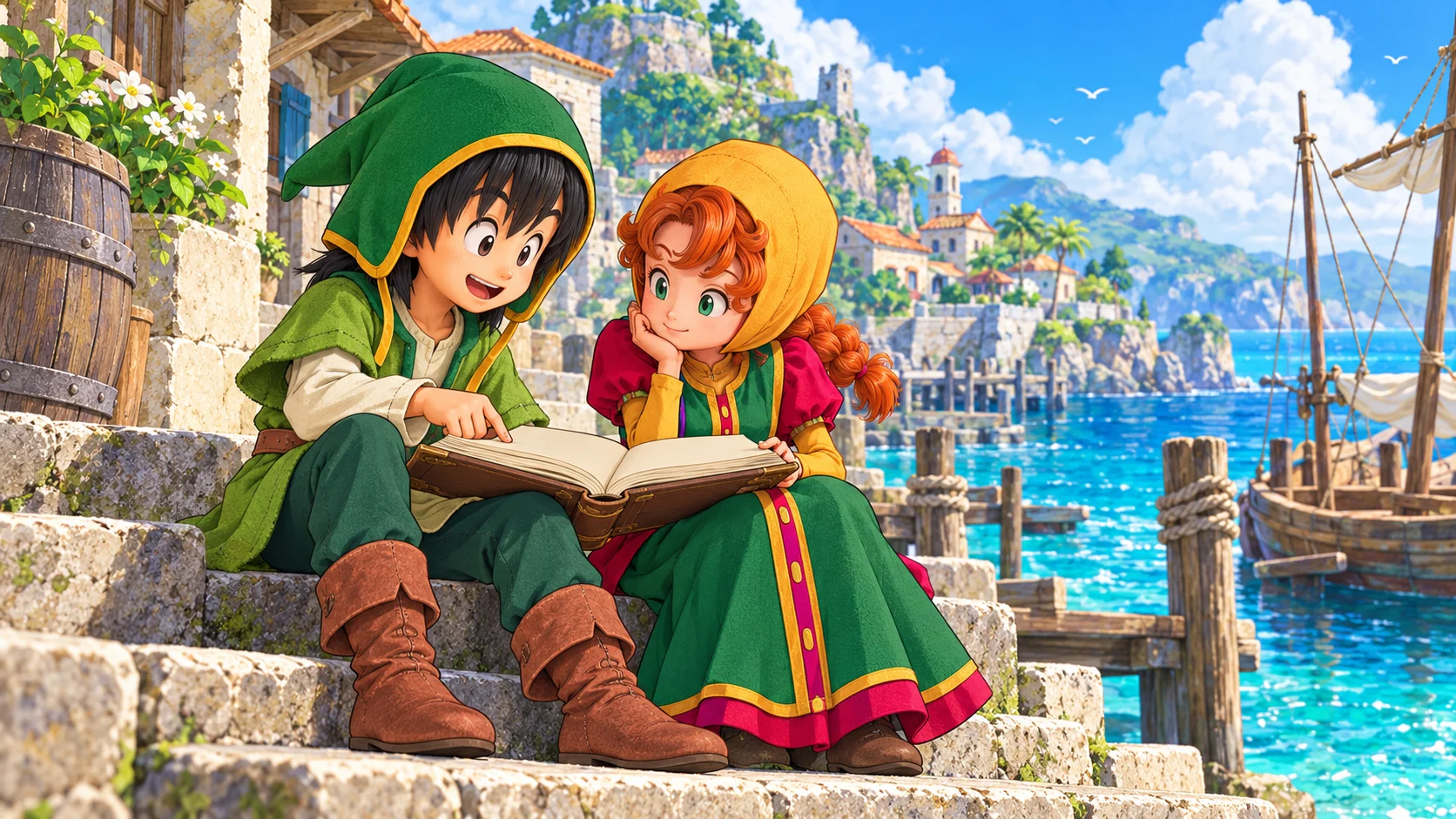
The Dragon Quest VII Reimagined demo supports save transfer to the full game, so you can continue your adventure instead of repeating the opening hours. However, the demo and full release must match platforms. In particular, Nintendo Switch demo data cannot transfer into the separate Switch 2 version. Here is how to protect your progress, understand the restrictions and collect Maribel’s demo outfit bonus.
How Dragon Quest VII Reimagined Demo Saves Carry Over
Square Enix’s save-transfer support page says the full version can load the Adventure Log created in the demo and resume from where you stopped. This is progress carried into the complete game, not merely a reward for trying it. Therefore, keep the original save intact until you have confirmed that the full version loads the correct adventure.
Before switching over, make a normal save in the demo and note the platform, user profile and point you reached. Then launch the matching full version and check that the loaded Adventure Log reflects your progress. These are precautionary checks, not a promise of a particular button layout. If the game presents an unfamiliar prompt, read it before confirming anything that could replace a save.
The official game FAQ confirms that demo saves work with both digital and physical full editions. Consequently, buying a boxed copy does not, by itself, disqualify a matching demo save. Platform compatibility remains the important boundary, so check the actual software name rather than assuming that the same console family means the same version.
Switch and Switch 2 Are Separate Versions
The most easily missed Dragon Quest VII Reimagined restriction concerns Nintendo’s two generations. Square Enix’s specific Switch demo-transfer answer says Switch demo data works only with the Switch full version, while Switch 2 demo data works only with the Switch 2 full version. The same platform-matching rule applies to the demo bonus.
Also, the broader FAQ says there is no Switch-to-Switch 2 upgrade path currently available or planned. The original Switch game can run on Switch 2, but that does not turn it into the dedicated Switch 2 edition or make the saves interchangeable. Decide which software you want before spending several hours in its demo.
| Demo you played | Full version you choose | Progress carries over? |
|---|---|---|
| Nintendo Switch | Nintendo Switch | Yes |
| Nintendo Switch 2 | Nintendo Switch 2 | Yes |
| Nintendo Switch | Nintendo Switch 2 edition | No |
| Nintendo Switch 2 | Nintendo Switch edition | No |
| One platform | A different platform | No cross-platform save transfer |
For a separate example of why platform details deserve a careful read, see our Kingdom Hearts Switch 2 upgrade and save-transfer guide. Each publisher sets its own rules; another game’s upgrade policy does not establish an entitlement here.
How to Get Maribel’s Day Off Dress
The Dragon Quest VII Reimagined demo reward is Maribel’s Day Off Dress, as confirmed by Square Enix’s demo-bonus support article. This is an additional outfit, not evidence of an extra story chapter or a paid-edition upgrade. Keep the reward separate from the question of importing your Adventure Log.
Importantly, starting the full game first does not automatically cost you the outfit. The publisher’s answer for existing players says that after launching the demo at least once, you can receive the bonus when resuming your current full-game save through Continue. You do not need to abandon an established adventure simply because you discovered the demo reward late.
The FAQ directs players to the in-game Claim Special Rewards menu for bonus items. Meanwhile, Square Enix’s original demo announcement includes same-device requirements in its bonus conditions. Use the matching version, profile and device where applicable, and consult support if your situation differs. Do not confuse receiving an outfit with merging progress from two separate saves.
Demo Limits Before You Spend More Time Grinding
Square Enix lists several demo restrictions: the playable range covers the early stages, character level stops at 15, Vocation Rank at 4, and held gold at 10,000. These limits help explain why a trial adventure may stop growing even though you still want to explore or fight more battles.
Most importantly, additional experience earned after level 15 does not carry into the full release. If your goal is an efficient start, repeatedly battling at the cap will not build a hidden reserve of transferable experience. Instead, use the remaining trial time to decide whether you enjoy the pacing and combat. This is practical purchasing advice, not a claim that the demo contains the entire game’s systems.
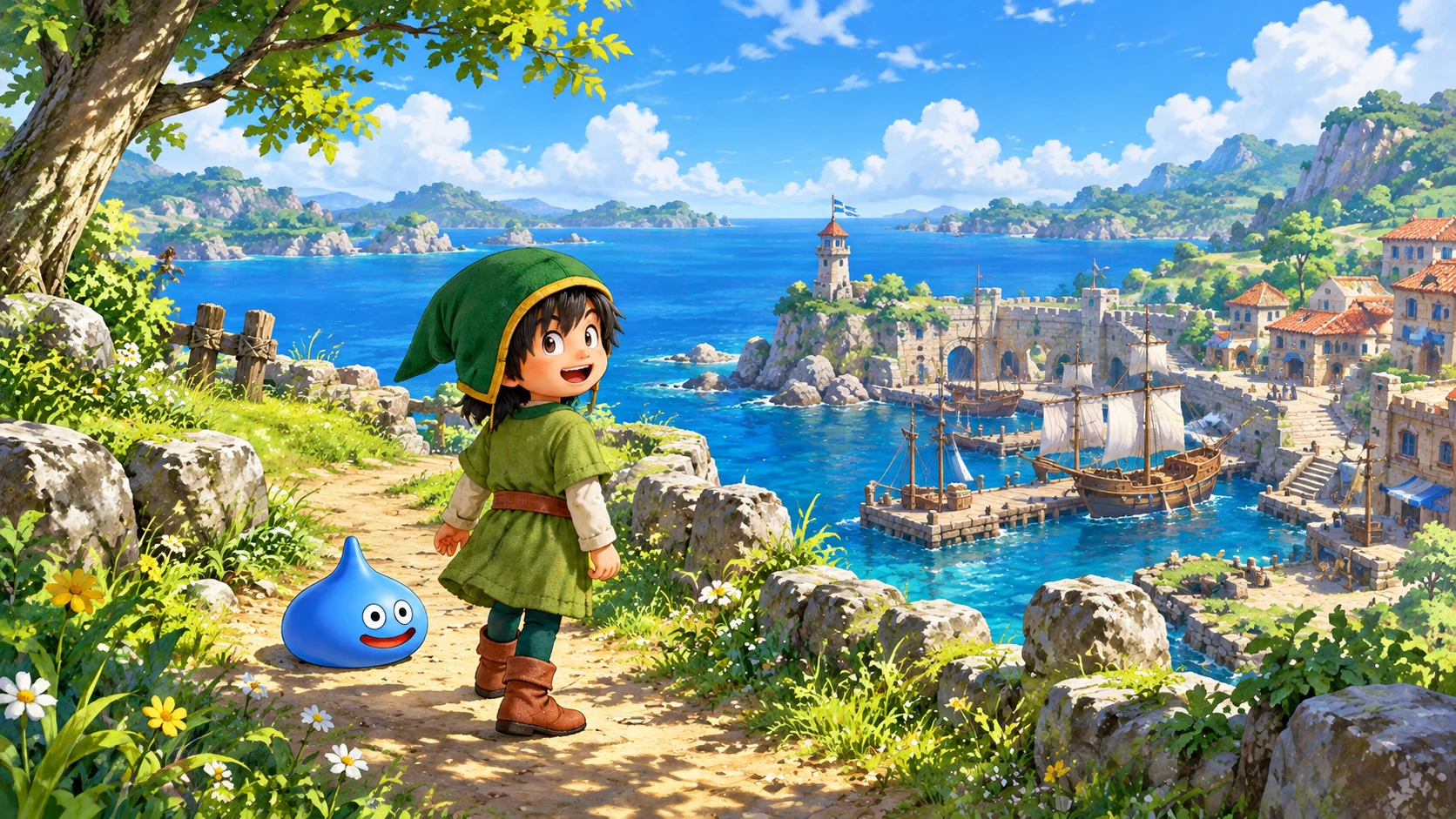
What to Check If Your Demo Save Is Missing
First, distinguish a missing save from an incompatible version. Confirm the console or PC storefront, software edition and user profile that created the Adventure Log. In particular, check whether you downloaded the original Switch demo on a Switch 2 console. The hardware in your hands does not change which version of the software produced that save.
Next, preserve the existing data while investigating. Avoid deleting the demo save, overwriting slots or starting repeated new adventures as a troubleshooting shortcut. Record what you see and contact Square Enix through its support page if matching software still cannot find the Adventure Log. The official rules do not establish a universal cross-store or cross-platform conversion service, so do not rely on unofficial promises of one.
Is the Dragon Quest VII Reimagined Demo Worth Starting?
Yes, if you want to try the opening before committing and intend to continue on the same platform. The official game site describes an island adventure with diorama-style visuals and a streamlined story. The demo offers a way to judge that presentation for yourself, without treating promotional descriptions as a substitute for your own preferences.
However, choose your final platform first. Readers comparing another generation-specific purchase can also consult our Xenoblade Chronicles 2 Switch 2 edition guide, while remembering that its rules belong to a different game. For this remake, keeping the demo and full release aligned matters more than the physical-versus-digital distinction.
The simplest Dragon Quest VII Reimagined demo plan is to save carefully, continue in the matching full version and claim the outfit separately. Respect the Switch and Switch 2 boundary, do not grind beyond the experience cap expecting extra carryover, and keep your original data until the transfer is confirmed. That protects the time you have already invested.
Gaming
Village in the Shade Release Date and Editions Guide
Village in the Shade launches October 27. Compare platforms, Deluxe editions, Switch 2 format and the important Steam English-language warning before buying.
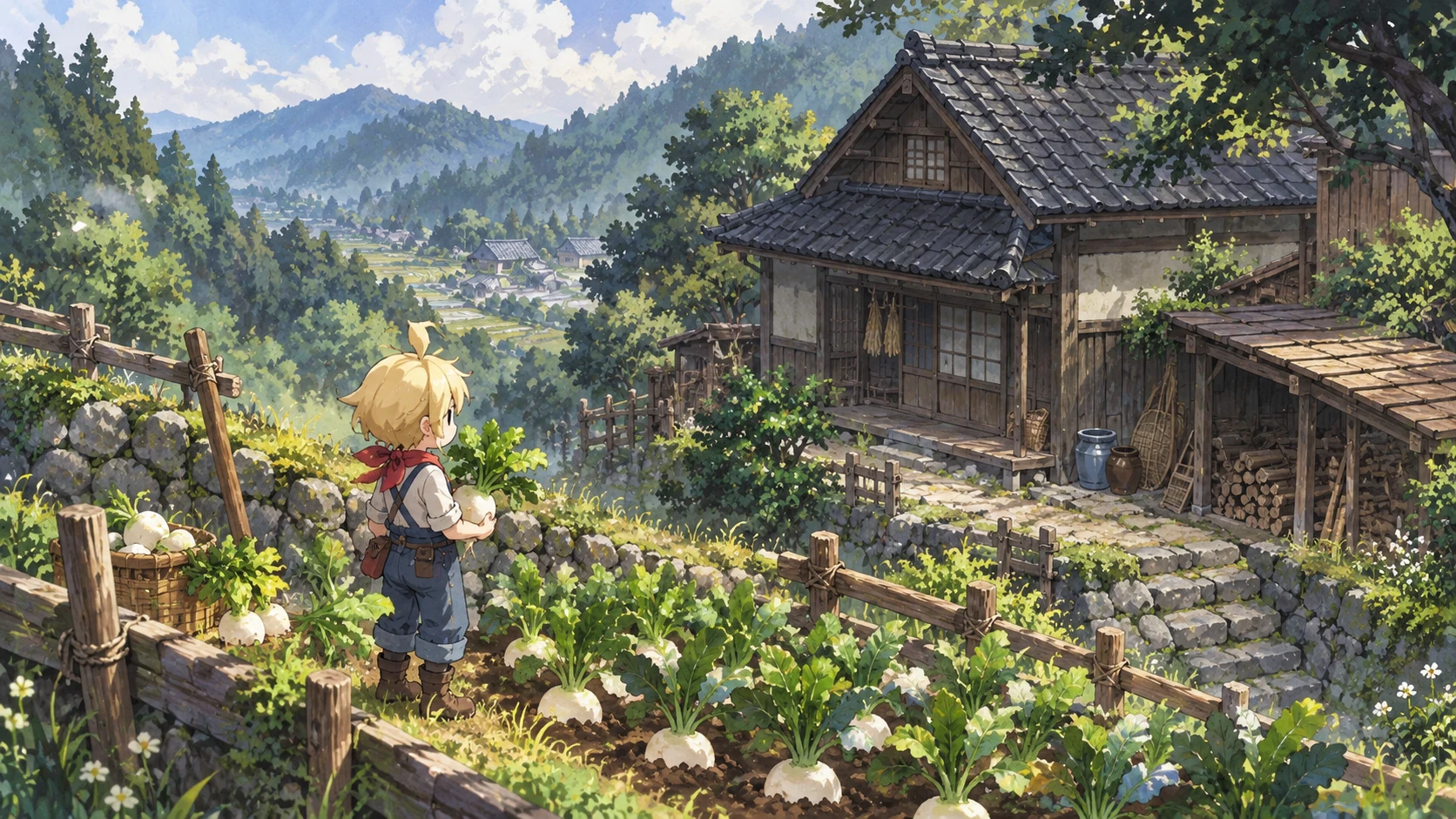
Village in the Shade has an October 27, 2026 Western release date on Nintendo Switch, Switch 2 and PS5, with Steam also included in NIS America’s launch campaign. However, PC buyers should notice an important distinction: Steam already lists a July 29 release, while its current page still warns that English is unsupported. This guide separates those dates, compares the editions and explains what to check before buying the unsettling farming sim.
Village in the Shade Release Date and Platform Guide
NIS America’s official site confirms October 27 and names Switch, Switch 2, PlayStation 5 and Steam. Nippon Ichi Software develops the single-player life simulation, which takes place in Kagatsu, a Japanese mountain village. Its appeal combines rural routines with an uneasy mystery rather than treating farming as a backdrop for conventional combat.
The October date therefore needs context, particularly on PC. The Steam product page records July 29, 2026 as its existing release date. Do not interpret the Western campaign as proof that nobody can play the game yet. Equally, buying an already available version does not prove that your preferred translation has arrived. Check the live language table, not just the purchase button.
| Platform | Published launch information | Buying check |
|---|---|---|
| Nintendo Switch | October 27 Western release | Select the original Switch package |
| Nintendo Switch 2 | October 27 Western release | Review Game-Key Card requirements |
| PlayStation 5 | October 27 Western release | Confirm your regional listing and console format |
| PC through Steam | Existing July 29 listing; included in October campaign | Check language support before purchasing |
For another recent Japanese simulation release, our One Piece Grand Gourmet platform guide covers a very different restaurant-management premise. The two games share a simulation audience, but their atmosphere and purchasing details should not be confused.
Village in the Shade on Switch 2 and PS5
The North American Limited Edition listing explicitly labels the Switch 2 option as a Game-Key Card. Treat that as a separate purchasing detail from the original Switch version. If a self-contained physical collection matters to you, read the package requirements carefully instead of assuming that every box contains the same kind of cartridge.
Meanwhile, the US PlayStation Store page lists October 27 at 16:00 UTC. That converts to 9:30 p.m. India Standard Time and 4 p.m. in the UK on that date. These are conversions of the US listing, not promises for Indian or UK storefronts, Steam or Nintendo. Consult your own store countdown before arranging a launch-night session.
Deluxe and Limited Editions Compared
The official UK Switch 2 Deluxe Edition includes the game, a digital soundtrack and a mini art book. Its listed price is £49.99 including UK VAT when checked for this guide. That regional figure is not an Indian price, and shipping or availability can change the practical cost of an import.
For Village in the Shade on PC, the Steam Deluxe bundle groups the base game with the Sounds from the Shade soundtrack and Touring Kagatsu art book. These digital extras are not the same product as a physical collector’s set. Choose based on whether you actually want music and artwork outside the game, rather than assuming that the word Deluxe unlocks a necessary gameplay advantage.
| Edition or purchase | Confirmed distinction | Best question to ask |
|---|---|---|
| Steam base game | Standalone digital game | Does the current version support my language? |
| Steam Deluxe bundle | Game, soundtrack and digital art book | Will I use the extras? |
| UK physical Deluxe | Game, digital soundtrack and mini art book | Which console package and delivery region? |
| North American Limited | Collector’s edition listed at US$89.99 | What exactly does the selected regional package include? |
The Limited Edition costs US$89.99 on NIS America’s North American store at the time of checking. Before paying more, compare the selected platform, included items and delivery terms directly. A collector’s price does not establish better performance, exclusive story content or a free cross-platform upgrade.
Village in the Shade Languages and PC Requirements
Village in the Shade’s publisher lists English, French and Spanish console text, with a broader PC language lineup on its official site. However, the current Steam page still displays an English-not-supported warning. That mismatch is worth highlighting rather than smoothing over: if English is essential, wait for the storefront to confirm support or seek clarification from the publisher before spending money.
Steam currently specifies Windows 10 or 11, 8GB RAM, an Intel Core i5-6400, GeForce GTX 750 Ti, DirectX 11 and 9GB free space as the minimum. Its recommended specification raises the CPU to an i5-12500, RAM to 16GB and graphics to a GTX 1650. Requirements are not benchmarks, so they do not justify promises about frame rate, resolution or handheld-PC compatibility.
Peaceful Life Mode and the Horror Behind Kagatsu
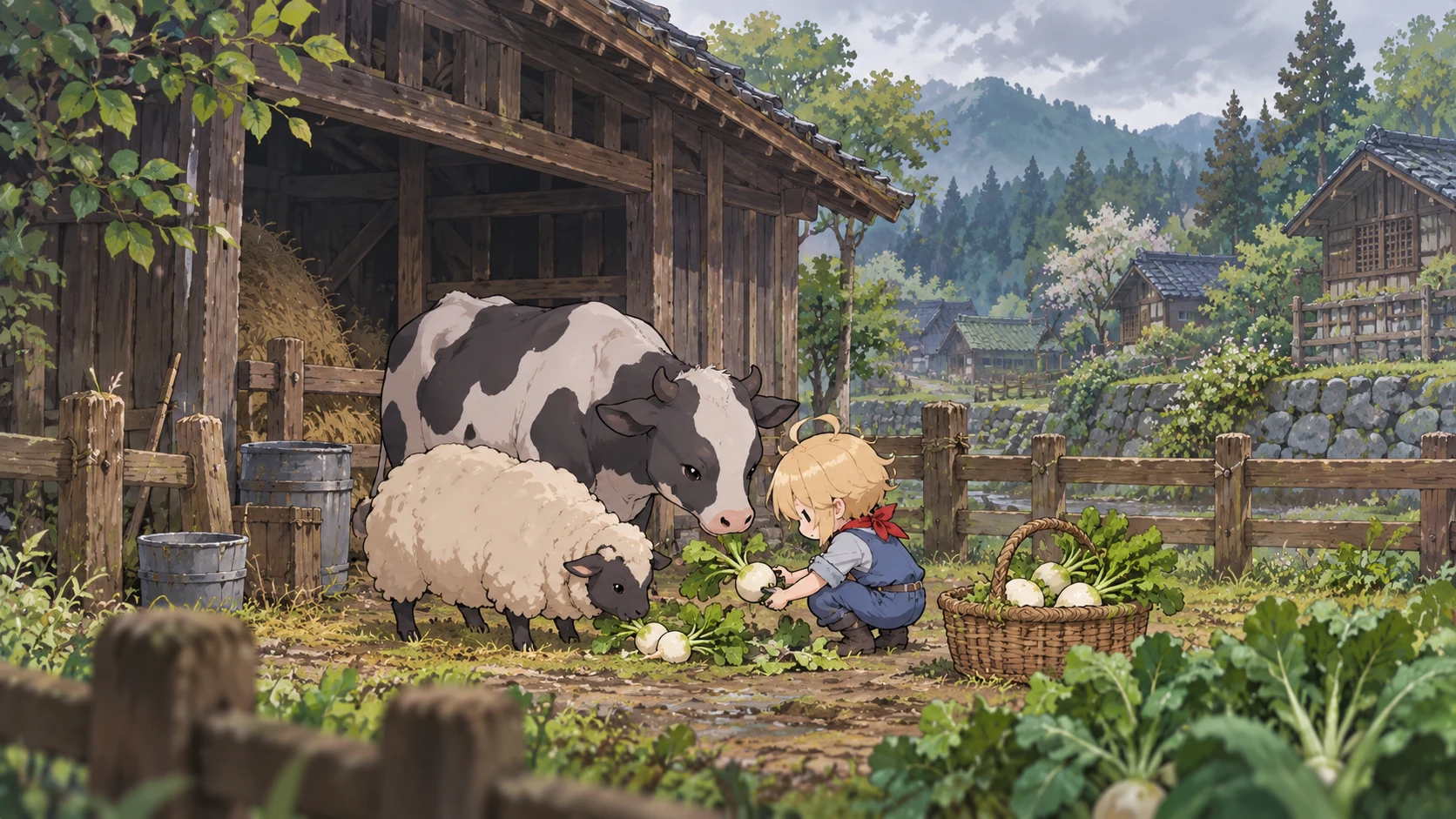
According to the publisher, Village in the Shade lets players farm, raise livestock, fish, hunt and build relationships. Kagatsu also has inherited rules, with frightening consequences if you break them. Peaceful Life Mode, selected at the start, prevents rule-breaking so players can pursue the countryside routine without taking that route into the village’s darker side.
This is an important distinction for anyone drawn in by the gentle artwork. A farming game can still contain disturbing material: Steam’s content notice includes horror themes, cartoon blood and violence, and themes of suicide. Check that notice before gifting it or choosing it purely as a relaxing distraction. This article is a purchasing guide, not a hands-on assessment of how intense each scene becomes.
Which Village in the Shade Version Should You Choose?
Start with three practical questions: which system will you use, does its current listing support your language, and do you want a physical package or digital purchase? Next, compare the complete regional price. Only then decide whether the soundtrack, art book or collector’s presentation adds enough value for you. That order keeps the purchase focused on the game you can actually play.
For related reading, our Kingdom Hearts Switch 2 upgrade and save-transfer guide explores another platform-specific buying decision, while the Castlevania Belmont’s Curse editions guide offers another Japanese-game package comparison. Neither game’s upgrade or edition rules should be applied to this release.
Village in the Shade arrives in its Western console launch window on October 27, but the useful buying decision goes beyond that date. Verify the translation, choose the correct format and decide whether Kagatsu’s mixture of everyday care and unsettling secrets suits you. With those checks complete, you can approach the village without an avoidable surprise at checkout.
Gaming
One Piece Grand Gourmet Release Date and Platforms
One Piece Grand Gourmet launches October 23. Check its platforms, Switch 2 details, restaurant gameplay and the key questions to ask before buying.
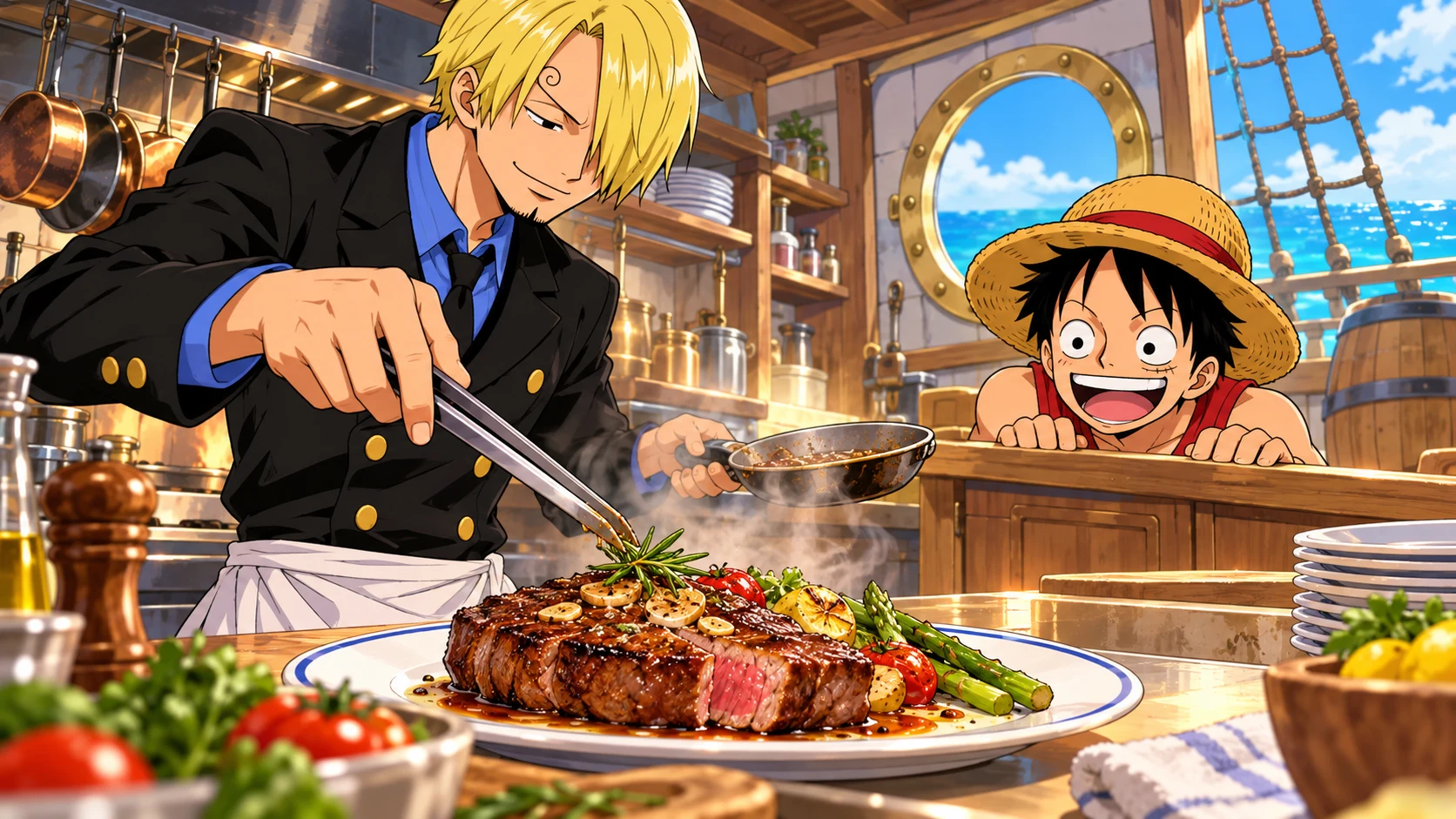
One Piece Grand Gourmet launched on October 23, 2026, for Nintendo Switch, Nintendo Switch 2, PC through Steam, and mobile platforms, according to Bandai Namco. Instead of another fighting adventure, this restaurant-management game puts you alongside Sanji and the Straw Hat Crew. Here is what the official listings confirm, what differs between the Nintendo versions, and what you should check before buying.
One Piece Grand Gourmet Release Date and Platforms
Bandai Namco’s announcement gives October 23 as the release date across Nintendo consoles, Steam and mobile. Its official game page now marks the game as available and lists both the App Store and Google Play alongside the two Switch platforms. That makes the platform lineup broader than a Nintendo-only announcement might suggest.
However, a release date does not establish a worldwide unlock hour. The official pages reviewed for this guide do not give one universal launch time. Check your own regional storefront rather than treating midnight in Japan, India, the UK or North America as interchangeable. Mobile availability and device compatibility also need a local store check.
| Platform | Officially listed | What to check before purchase |
|---|---|---|
| Nintendo Switch | Yes | The original Switch listing and regional availability |
| Nintendo Switch 2 | Yes | The dedicated Switch 2 product listing |
| PC through Steam | Yes | Local pricing and system requirements |
| iPhone and iPad storefront | App Store listed | Compatible devices and regional availability |
| Android storefront | Google Play listed | Device eligibility and local availability |
Switch and Switch 2: Choose the Correct Listing
Nintendo has separate product information for the original Switch release and the Switch 2 version. The Australian Switch listing confirms one local player and TV, tabletop and handheld play. Meanwhile, the French Switch 2 listing identifies Switch 2 directly and lists touchscreen support. Read the console name carefully before completing a purchase.
Importantly, separate listings do not establish a free upgrade, shared purchase entitlement or cross-platform save transfer. Do not assume any of those benefits without an explicit offer. The French Switch 2 page also states that Nintendo Switch Online cloud saves are unsupported. If keeping your progress across devices matters, verify the current regional listing before committing.
For English-speaking players, the French One Piece Grand Gourmet listing explicitly includes English among its supported languages. It also lists Japanese, Spanish, French, German, Italian, Portuguese, Korean, Chinese and Thai. That is useful when checking an overseas product page, but a language list alone does not confirm full voice acting in every language. Compare the language fields on the exact version you intend to purchase, particularly if you need a specific text option or are choosing a mobile edition.
For a separate example of the questions an upgrade can raise, OtakuZasshi’s Kingdom Hearts Switch 2 upgrade guide covers another release. Its purchase rules should not be applied to Grand Gourmet, but checking platform, entitlement and saves separately is a useful habit.
One Piece Grand Gourmet Gameplay: Running the Restaurant
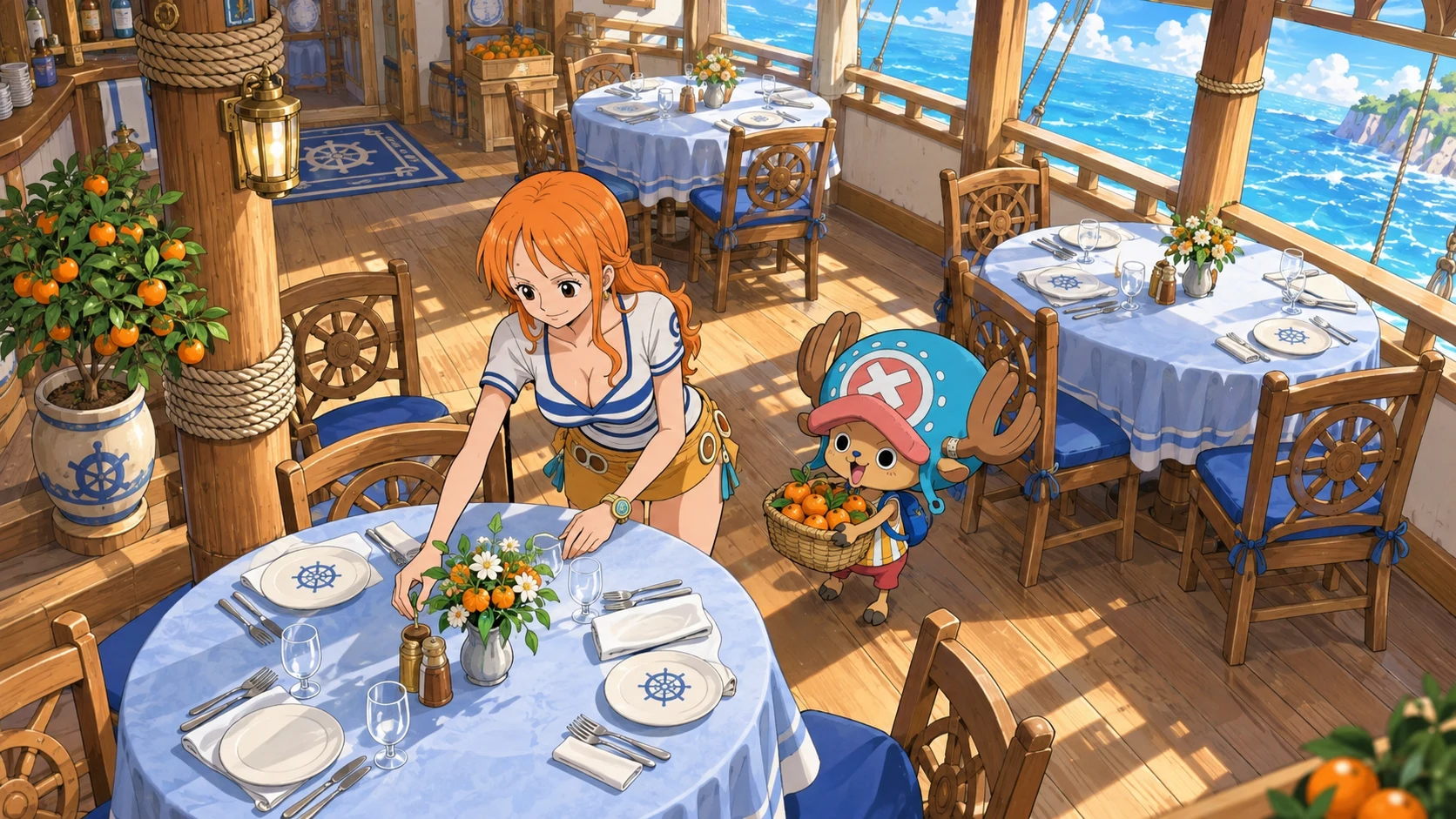
The central setting is Baratie Number Two, a floating restaurant where you join the Straw Hat Crew as a new staff member. Bandai Namco identifies Kairosoft as the developer and describes a single-player management simulation. The important distinction is the activity you are buying: restaurant building and service, rather than a promise of arena combat or an action-RPG campaign.
The One Piece Grand Gourmet gameplay loop brings together ingredient collection, cooking, menu creation and interior decoration. Sanji helps prepare dishes, while character suggestions inspire new ideas. You can combine dishes into meal sets and search for additional recipes. Familiar food and Devil Fruit-inspired creations give the management premise a clear connection to One Piece instead of simply placing its logo over an unrelated restaurant.
Characters and Decoration Give Fans a Different Hook
Nintendo’s One Piece Grand Gourmet product description advertises more than 400 characters as staff and customers, presented through pixel-art designs. That does not mean 400 playable fighters, and it should not be read that way. The appeal lies in character events and unusual interactions around the restaurant, including encounters that move outside the usual battle-focused framing.
The same listing describes more than 200 furniture, building and decorative items, with themes drawn from Whole Cake Island and Egghead. It also says characters who like your design may return as regular customers. Our editorial takeaway is that decoration has a stronger thematic role than a simple cosmetic checklist: it connects the restaurant’s identity with the people visiting it. We have not tested how deep those systems become in extended play.
One Piece Grand Gourmet Editions and Buying Checks
The official Bandai Namco page shows a Digital Standard Edition containing the base game. That is the confirmed package described there; it is not evidence of an unannounced deluxe version, season pass or preorder reward. Likewise, a price displayed in one country’s store should not be presented as the worldwide price.
Before buying, check the exact platform, local total, supported languages, storage requirement and device compatibility on the checkout storefront. PC players should also read Steam’s current requirements. This guide deliberately avoids inventing performance targets, controller features, monetization details or save-transfer promises that the reviewed official information does not establish.
Is One Piece Grand Gourmet the Right Game for You?
Grand Gourmet looks most relevant to readers who want familiar characters in a slower restaurant-building setting. If your priority is competitive fighting or recreating major battles, the announced management focus is a reason to look closely at gameplay footage before buying. Nintendo’s presentation also mentions Joy-Con 2 mouse controls, but that is not a reason to assume every version uses identical input options.
For more franchise coverage, explore our THE ONE PIECE Netflix remake overview or revisit the One Piece Day 2026 event guide. Those articles cover different parts of the franchise rather than additional Grand Gourmet purchasing benefits.
One Piece Grand Gourmet is now available, but choosing well means more than marking October 23 on a calendar. Confirm the right version and local store details, then decide whether cooking, decorating and welcoming familiar faces match what you want from a One Piece game. This is a launch-information guide, not a hands-on review.
-
 Gaming2 years ago
Demon Slayer Game Set for Digital Release on Multiple Platforms in 2024
-

 Latest News3 years ago
Release Date Revealed for ‘Rascal Does Not Dream of a Knapsack Kid’
-

 Latest News4 years ago
Love is in Sight! Anime ‘Girl Forgot Glasses’ Unveils Promo & Cast
-

 Gaming3 years ago
Tekken 8 Closed Network Test in July: Register Now
-

 Latest News2 years ago
Kengan Ashura 2nd Season Part 2: Promo, Theme, and Debut Date
-

 Latest News2 years ago
Predicting the Epic: Demon Slayer’s Infinity Castle Arc Movie
-

 Latest News2 years ago
First Glimpse: Live-Action Blue Period Film Trailer Unveiled
-

 Latest News3 years ago
New Baki Manga by Keisuke Itagaki Launching August 2023