
Gaming
Tokyo Game Show 2026 Final Day Cancelled: Refund Guide
Tokyo Game Show 2026 cancelled its September 21 final day. Learn who gets a ticket refund, where to check updates, and what may move online.

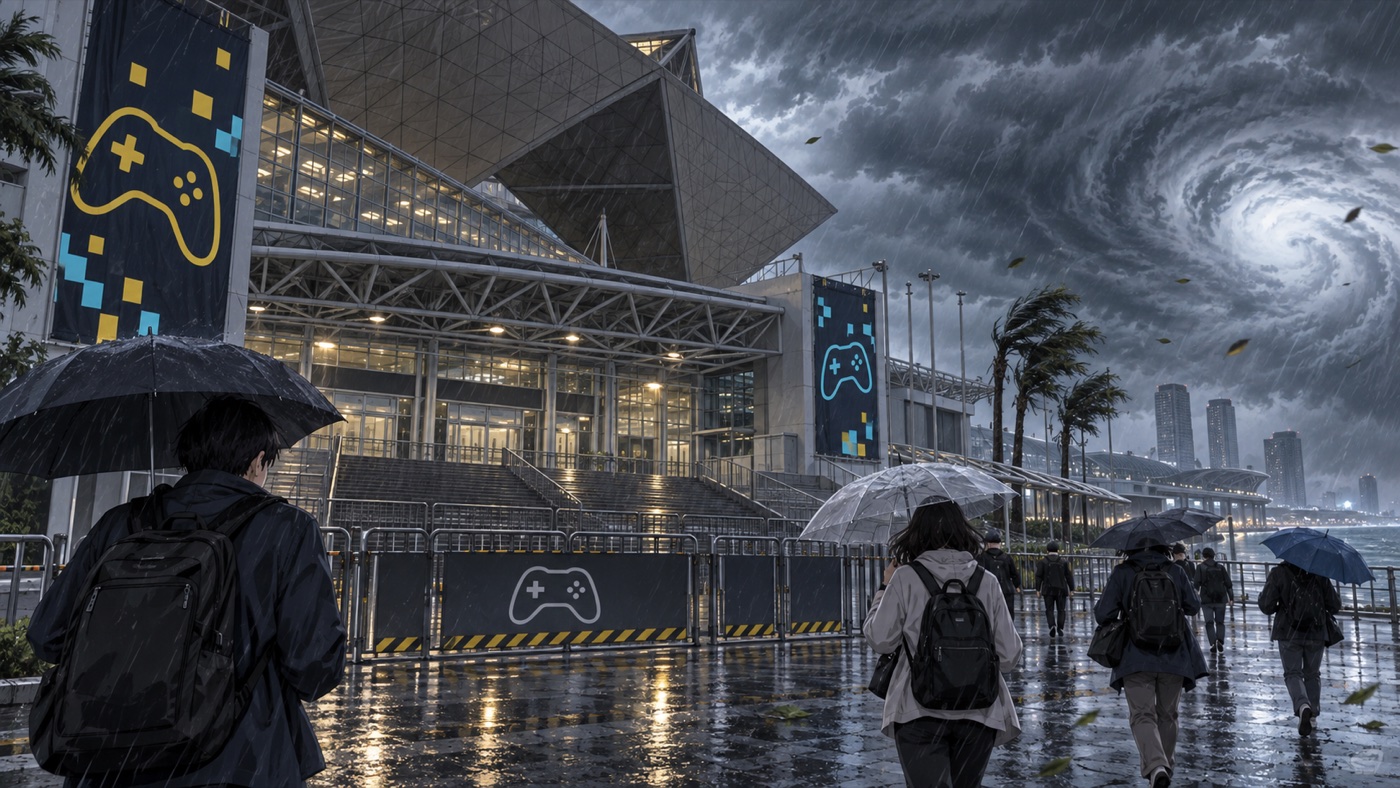
Tokyo Game Show 2026 cancelled its entire final day on Monday, September 21, because of the approaching Typhoon No. 25, also known as Dujuan. Visitors holding tickets for September 21 should not travel to Makuhari Messe. Refunds will be available through the ticket seller used for the purchase, while individual publishers will announce whether selected stage programs move online or receive new dates.
What Was Cancelled on September 21
The cancellation covers the full final public day of Tokyo Game Show 2026 at Makuhari Messe and the nearby TKP venue. The show had originally planned a five-day 30th anniversary edition from September 17 through September 21, with business days on September 17 and 18 followed by three public days. However, the organizer’s safety decision means September 20 became the final in-person day.
The announcement affects admission, exhibition booths, stage activities and other on-site programming scheduled for September 21. That includes the planned closing stage and competitive events listed on the original schedule. Visitors should treat older timetable pages as outdated because some official pages may still display the original five-day plan.
The cancellation applies only to September 21. According to GAME Watch’s report on the organizer’s announcement, September 20 proceeded as scheduled and tickets for that date are not part of the final-day refund. Date-specific tickets cannot simply be used on another day now that the physical exhibition has ended.
Tokyo Game Show 2026 Ticket Refunds
People who purchased a ticket for September 21 are eligible for a refund. The exact steps and timing depend on the ticket platform or retailer that handled the transaction. Keep the ticket, order email, payment receipt and any account login details until the refund reaches the original payment method.
Start by checking the inbox and spam folder connected to the purchase. Then open the ticket seller’s official order page and look for a cancellation notice. The organizer has said that each seller will communicate its own procedure, so visitors should avoid unofficial refund forms or social-media accounts asking for payment details.
The original Tokyo Game Show ticket page states that ordinary buyer mistakes do not qualify for refunds. This event-wide cancellation is different, and the newer cancellation notice takes priority for September 21 admissions. Still, processing times can vary by seller, card network and bank.
What About Premium or Multi-Day Tickets
Tokyo Game Show offered several admission products, including general admission, fast tickets and premium packages. A refund announcement for the cancelled day does not automatically explain how every bundle, benefit or add-on will be valued. Premium ticket holders should wait for instructions that name their exact ticket product instead of assuming that the full original purchase price will be returned.
Likewise, buyers should distinguish event admission from separate travel costs. Train bookings, flights, hotels and third-party packages follow their own cancellation rules. Contact each provider directly, mention the event cancellation and ask whether a weather exception applies. Save the official cancellation notice in case the provider requests proof.
If a seller has not contacted you yet, do not submit a chargeback immediately. First document the order number, seller and payment method, then use the seller’s official support channel. A chargeback can complicate a normal refund already being processed, so it is better treated as a last resort when the seller fails to resolve a valid claim.
Which Stage Events and Streams May Continue
The physical show is closed on September 21, but that does not mean every planned announcement or broadcast has disappeared. Publishers control many of their own programs and may reschedule them, move them online or cancel them separately. There is no single confirmed replacement timetable for every affected presentation at the time of writing.
KONAMI’s official TGS page says its September 21 live programs will have their dates or content changed for safety and asks viewers to follow each title’s official social account. LINE GAME’s official event page also confirms the cancellation and directs users to its official X account for updates.
Fans should check the official Tokyo Game Show channels first, followed by the publisher and game account connected to a specific presentation. Avoid reposted schedules unless they link back to a current official notice. Streams that remain available can still change at short notice because staff, performers and production teams face the same transport risks as visitors.
Why Organizers Cancelled the Final Day
The organizer cited the approaching typhoon and concern about worsening wind, rain and transportation conditions. Large events must consider not only conditions at the venue but also whether tens of thousands of visitors, exhibitors and workers can reach home safely. Rail delays or suspensions can leave crowds stranded even when a convention hall itself remains secure.
Cancelling before the morning commute gives visitors a clearer instruction and reduces unnecessary travel. It also lets exhibitors secure equipment and gives stage teams time to revise productions. Although the decision disrupts the anniversary program, public safety and reliable transport take priority over completing the planned schedule.
This is also why visitors should not travel to Makuhari Messe hoping that selected booths will open. A publisher moving one program online does not reopen the venue. The cancellation covers the entire in-person final day.
What Visitors Should Do Now
First, do not go to the venue on September 21. Keep your ticket and purchase records, monitor the email address used for the transaction and follow only the official refund link supplied by the seller. If you bought tickets for friends, the original purchaser may need to complete the claim for the whole order.
Next, review separate bookings one by one. Check railway and airline service notices before travelling elsewhere, and contact accommodation providers through the channel used to book. For publisher events, bookmark the relevant official game page rather than relying on a screenshot of the old TGS schedule.
Finally, readers following upcoming Japanese game announcements can use OtakuZasshi’s Kingdom Hearts 4 release guide, GTA 6 release and leak guide and Steins;Gate Re:Boot release guide for confirmed platform and launch information beyond the event floor.
Tokyo Game Show 2026 Cancellation FAQ
Is Tokyo Game Show 2026 cancelled completely?
No. The organizer cancelled the final day, September 21. The earlier business and public days already took place, and September 20 became the last in-person day.
Can I get a refund for a September 21 ticket?
Yes. The organizer announced refunds for September 21 tickets. The ticket seller used for the purchase will provide the method and schedule.
Are September 20 tickets refundable?
Not under the final-day cancellation announcement. September 20 proceeded as scheduled, so its admission tickets are not included in the September 21 refund.
Will cancelled stage programs stream online?
Some publishers may reschedule or stream selected programs, but there is no universal replacement schedule. Check the official account for the specific publisher or game.
What the Cancellation Means for Fans
Tokyo Game Show 2026 cancelled its final day to protect visitors and staff from worsening typhoon conditions and possible transport disruption. September 21 ticket holders should wait for instructions from their purchase provider, preserve all order records and check publisher channels for any rescheduled broadcasts.
The practical message is simple: do not travel to Makuhari Messe, do not trust unofficial refund forms and do not assume an old event schedule remains valid. Official ticket and publisher updates will provide the safest path to a refund and any replacement programming.
Sources


Gaming
Pikmin 4 Switch 2 Upgrade: Price and Dandori Academy
The Pikmin 4 Switch 2 upgrade arrives November 12. See what the $9.99 US pack adds, how it differs from the full edition, and what GameShare supports.
The Pikmin 4 Switch 2 upgrade arrives November 12, 2026. Nintendo lists the upgrade pack at $9.99 in the US for players who already own Pikmin 4. If you do not own the game, the full Nintendo Switch 2 Edition includes both the original game and the upgrade. The difference matters: the cheaper download does not include the base game.
Pikmin 4 Switch 2 Upgrade Price and Release Date
Nintendo announced the price on its Pikmin Day Direct page. Both the full edition and the upgrade pack launch November 12. The US price applies to the pack alone, so check your local Nintendo storefront rather than converting it into an assumed regional price.
Japan has its own pricing. Nintendo Japan’s product page lists the upgrade at ¥1,000 including tax. It also lists separate prices for the packaged and downloadable full editions. That distinction is useful if you are comparing import listings, but compare the actual product and account region before paying.
Which Edition Should You Buy?
The upgrade pack listing specifies that you need the full original Pikmin 4. Nintendo Japan confirms that both packaged and downloaded base copies qualify. If you own neither, start with the full Switch 2 Edition listing and compare the total cost against buying the base game and pack separately.
| Your situation | What to look for |
|---|---|
| You own Pikmin 4 and have a Switch 2 | Upgrade pack only |
| You have a Switch 2 but do not own Pikmin 4 | Full Switch 2 Edition, or base game plus pack |
| You play on an original Switch | Original game; no Switch 2 exclusive extras |
Nintendo UK’s edition page says the full edition’s physical or virtual game card plays the original game on a Switch without the exclusive additions. That compatibility does not bring Dandori Academy to the older hardware. For a contrasting purchase model, see our TANUKI: Pon’s Summer cross-buy guide.
What You Do in Dandori Academy
Dandori Academy adds exams built around how efficiently you direct the Pikmin. Nintendo’s Pikmin Day presentation transcript explains the new features, while the Treehouse segment highlighted on the upgrade page shows exams at three difficulty levels. If you enjoyed refining routes and juggling tasks in the original game, the exams are the most substantial reason to look at the upgrade.
Think of the new mode as a reason to revisit your planning habits, not a replacement for the campaign. Watching the Treehouse demonstration before buying can help you decide whether chasing a better result appeals more than exploring a fresh story. If you are new to the series, the original Pikmin 4 overview gives a better starting point for understanding the main adventure.
Try the Free Switch 2 Demo Before Buying
Nintendo’s Pikmin Day announcement confirms a free Switch 2 Edition demo with the Sun-Speckled Terrace opening area and two Dandori Academy stages. Look for the demo on the full Switch 2 Edition listing, rather than expecting the paid upgrade pack to work as a trial.
Use the opening area to get a feel for exploration, then try the two Academy stages to see whether the timed planning challenges are what you want from the upgrade. If you already own the original game, that second part is the better test of what your extra purchase gets you.
Oatchi Voice Commands and TV Resolution
You can give Oatchi voice commands through the Switch 2’s built-in microphone. This is a specific control addition for the rescue pup, not a claim that every action in the game can be voice-controlled. Nintendo UK also advertises resolutions up to 4K in TV mode, which is not a promise of 4K handheld play or a stated frame-rate target.
If your main reason for upgrading is image quality, consider where you play most often. The TV-mode specification is most relevant to a docked setup. For a handheld-first player, the Academy and Oatchi controls may be more useful buying criteria than the maximum TV resolution.
What GameShare Covers in Pikmin 4
Nintendo lists GameShare for Dandori Battles. The host can share locally or online through GameChat, including with a friend who does not own the game. That description applies to the battle mode; it does not establish that the entire story or Academy can be shared this way.
Nintendo says online features require a Nintendo Account and a paid Nintendo Switch Online membership, with availability varying by country. If sharing is your main reason to buy, check your intended local or online setup first. As with the platform distinctions in our Dragon Quest VII Reimagined demo guide, the exact version and feature matter more than a general compatibility label.
The Pikmin 4 Switch 2 upgrade makes the clearest case for existing owners who want the Academy exams or shared Dandori Battles. New players should compare the complete price of the full edition instead. Whichever route you choose, check your console and the product label before checkout.
Gaming
TANUKI: Pon’s Summer Release Date, Platforms and Demo
TANUKI: Pon’s Summer launches November 10. Compare platforms, Switch cross-buy, Steam demo saves, Game Pass access and PC requirements before buying.
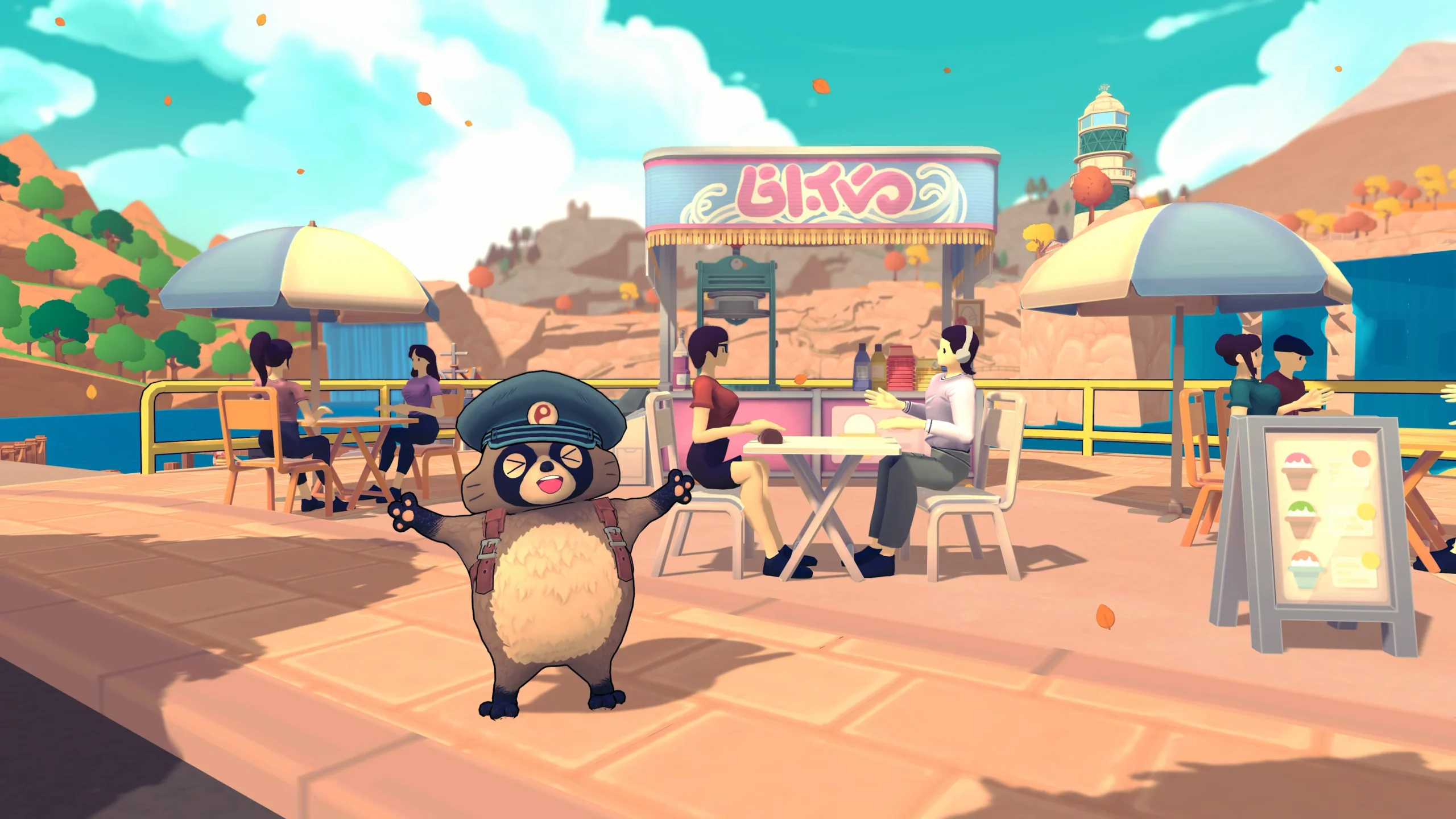
TANUKI: Pon’s Summer releases on November 10, 2026, bringing Pon’s bicycle-delivery adventure to Nintendo Switch, Switch 2, PlayStation 4, PlayStation 5, Xbox and PC. If you are deciding where to play, the useful details are not just the date: Nintendo buyers have a cross-buy offer, while Steam players can try a demo with progress that carries into the full game.
Denkiworks and CRITICAL REFLEX have outlined the launch plans, and the official Nintendo listing confirms the November date. Here is how the versions, demo and purchase options compare, with unconfirmed details kept separate from promises.
TANUKI: Pon’s Summer Release Date and Platforms
The publisher announced the date during the October 28 Nintendo Indie World showcase. Its launch announcement includes the newly revealed Switch 2, PS5 and PS4 versions alongside the previously announced platforms. That makes this a useful option for players who have not moved to the newest console generation.
| Platform | Release date | What to check |
|---|---|---|
| Nintendo Switch and Switch 2 | November 10, 2026 | Cross-buy offer between the two versions |
| PlayStation 4 and PlayStation 5 | November 10, 2026 | Your regional PlayStation listing |
| Xbox consoles and Xbox on PC | November 10, 2026 | Store eligibility and subscription coverage |
| PC via Steam | November 10, 2026 | Free demo and Windows requirements |
A release date does not establish a worldwide midnight unlock. Before planning a launch-night session, check the countdown in your own store region. In particular, readers in India should not convert a Japanese or American storefront date into a guaranteed local release time without a confirmed unlock schedule.
TANUKI: Pon’s Summer Switch Cross-Buy Explained
The publisher says purchasing either Nintendo version unlocks the other at no extra charge. Therefore, someone still using an original Switch does not need to buy both versions simply to keep a future Switch 2 option open. Check the offer on the regional eShop product page before completing payment.
However, cross-buy is not the same as cross-save. The announcement establishes access to the two versions, not every detail of moving a save between them. Likewise, it does not provide a performance comparison. Do not assume a particular frame rate, resolution or transfer procedure from the purchase offer alone.
Nintendo lists TV, tabletop and handheld play, plus one player on a single system. Its estimated download figures currently distinguish 622 MB for Switch and 779 MB for Switch 2. These are preorder estimates, so leave some storage headroom and check the final download rather than treating either number as permanent.
TANUKI: Pon’s Summer Demo and Save Transfer
The Steam demo covers the first three in-game days, with roughly two to three hours of play according to the publisher. Progress can carry into the full version at launch. You can find the download on the official TANUKI: Pon’s Summer Steam page, rather than searching for an unofficial installer.
This is a sensible way to decide whether the cycling feels enjoyable before paying. Keep your demo save intact until the full game recognizes it. The announcement does not establish a Steam-to-console transfer, so do not build a purchase plan around moving that PC progress to a Switch or PlayStation copy.
For another example of why platform-specific transfer rules matter, see our Dragon Quest VII Reimagined demo save guide. A demo can offer a head start, but the destination version matters as much as the existence of a carryover feature.
Price, Game Pass and the Xbox Version
CRITICAL REFLEX announced $19.99 preorders on Xbox and the Nintendo eShop. That is a US-dollar price, not a confirmed rupee, euro or pound conversion. The publisher also announced Game Pass availability on PC and consoles at launch. Check your membership’s catalog access before assuming that every subscription tier includes the game.
The official Xbox product page lists PC, Xbox One and Xbox Series X|S support, alongside Xbox Play Anywhere, Smart Delivery and cloud saves. Xbox One therefore appears in the store-supported device list even though the announcement emphasizes Series consoles. Use the listing for your account and region when confirming a purchase.
These options answer different questions. A purchase adds a license under that store’s terms; subscription access depends on your active plan and catalog availability. Meanwhile, Xbox Play Anywhere is an Xbox ecosystem feature, not a promise that a Steam purchase unlocks a Nintendo or PlayStation version.
PC Requirements and Language Support
Steam lists Windows 10 or later and 8 GB RAM for both its minimum and recommended configurations. The graphics requirements are relatively modest on paper, but a specification table cannot guarantee smooth play on every machine. Use the demo to assess your own setup, especially if you have older hardware.
| Component | Minimum | Recommended |
|---|---|---|
| Processor | 2.6 GHz quad-core or similar | Intel Core i5 3 GHz or AMD Ryzen 5 3 GHz |
| Graphics | GeForce 650 or Radeon HD 7750, at least 2 GB VRAM | GTX 950 or Radeon HD 7970, at least 2 GB VRAM |
| Memory | 8 GB RAM | 8 GB RAM |
| DirectX and storage | DirectX 11; 3 GB available | DirectX 11; 3 GB available |
The Steam language table includes English interface text and subtitles but does not mark English full audio. Read those columns separately if voice acting matters to you. Similarly, Windows support does not establish native Mac support, and a modest requirements list is not itself a Steam Deck certification.
What Pon’s Island Adventure Actually Involves
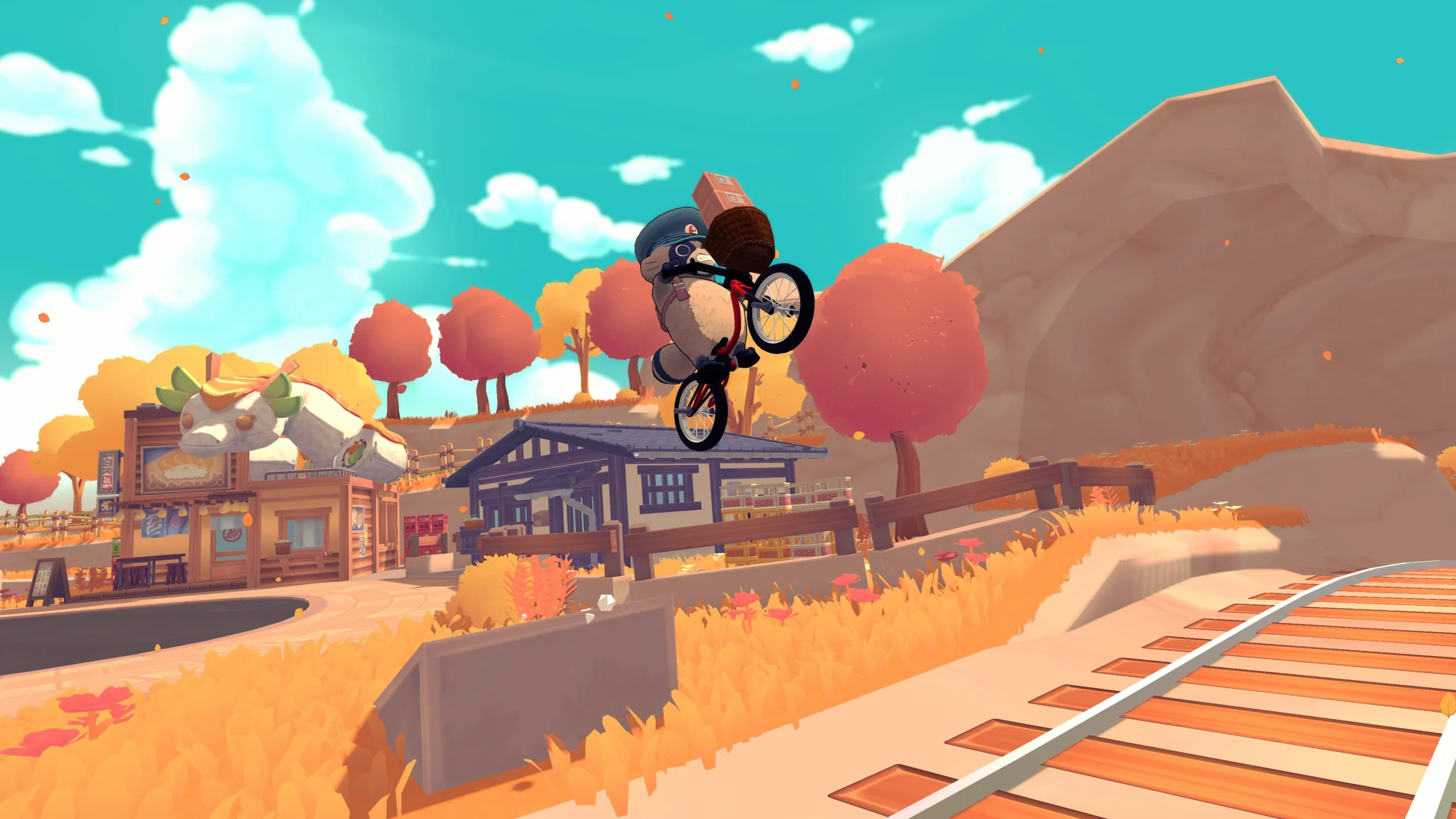
The publisher’s game overview describes a life-sim adventure built around postal work, BMX riding and restoring a shrine before the summer festival. Deliveries earn resources, while relationships with residents open activities and rewards. The setting draws on the developers’ experiences in Kyoto, Aomori, Sapporo and Beppu, rather than recreating one real city.
That combination is the appeal: getting around is part of the game, not merely the space between tasks. Our editorial recommendation is to use the demo to test the delivery-and-cycling loop first. Attractive scenery cannot tell you whether you enjoy handling the bike, and this guide is not a hands-on review of the finished release.
If Japanese-town atmosphere is your main draw, our Village in the Shade platform and edition guide offers a different direction for your shortlist. If management systems interest you more, compare the One Piece Grand Gourmet release and platform guide before choosing your next game.
TANUKI: Pon’s Summer has a straightforward next step for undecided players: try the Steam demo if you have a suitable PC, or verify the Nintendo cross-buy offer if handheld play is your priority. November 10 is the confirmed date; save compatibility, local pricing and subscription eligibility deserve a final check on the version you will actually use.
Gaming
Dragon Quest VII Reimagined Demo Save Transfer Guide
Dragon Quest VII Reimagined demo saves carry over, but Switch and Switch 2 differ. Learn how to continue your adventure and claim Maribel’s outfit.
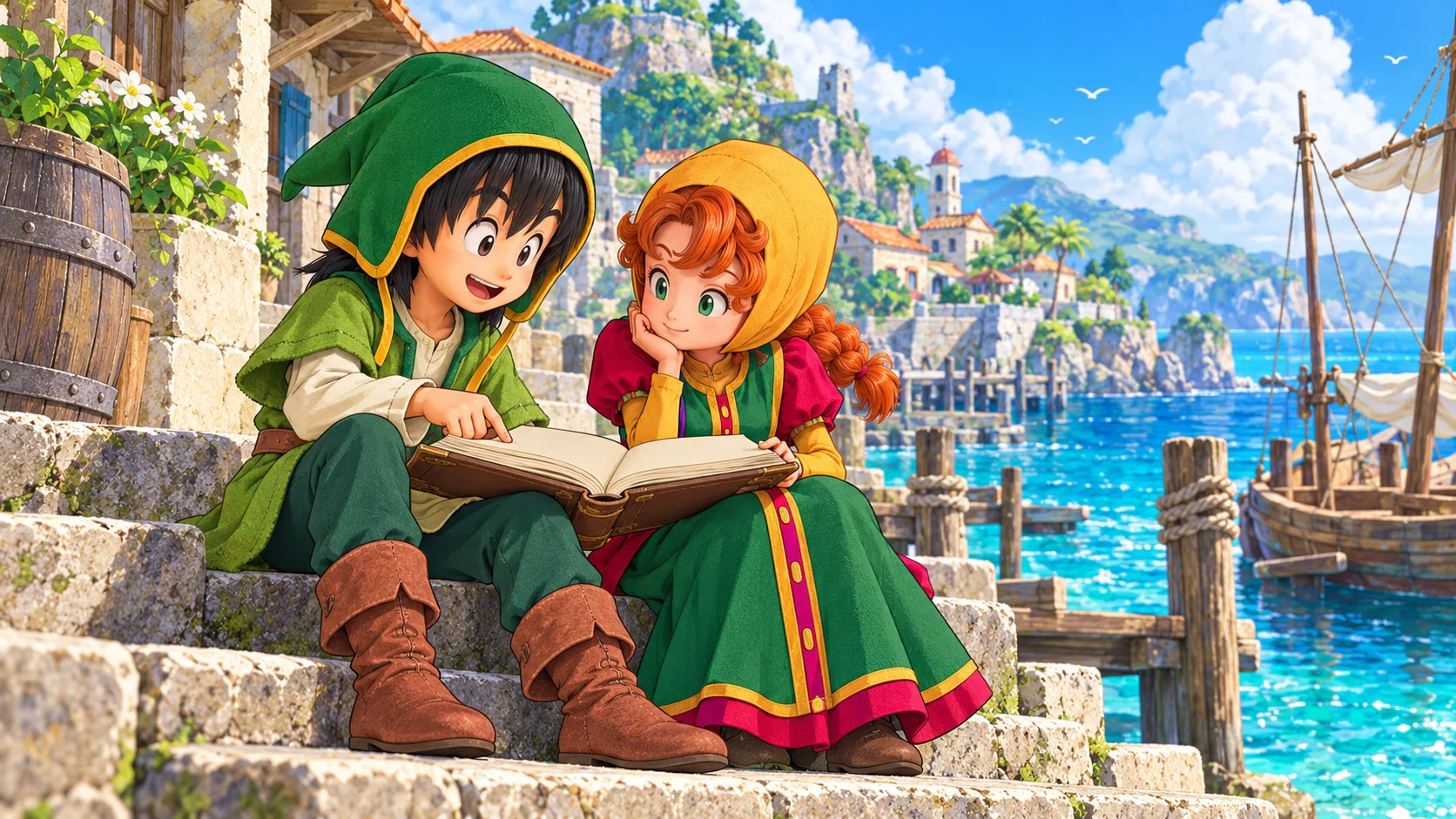
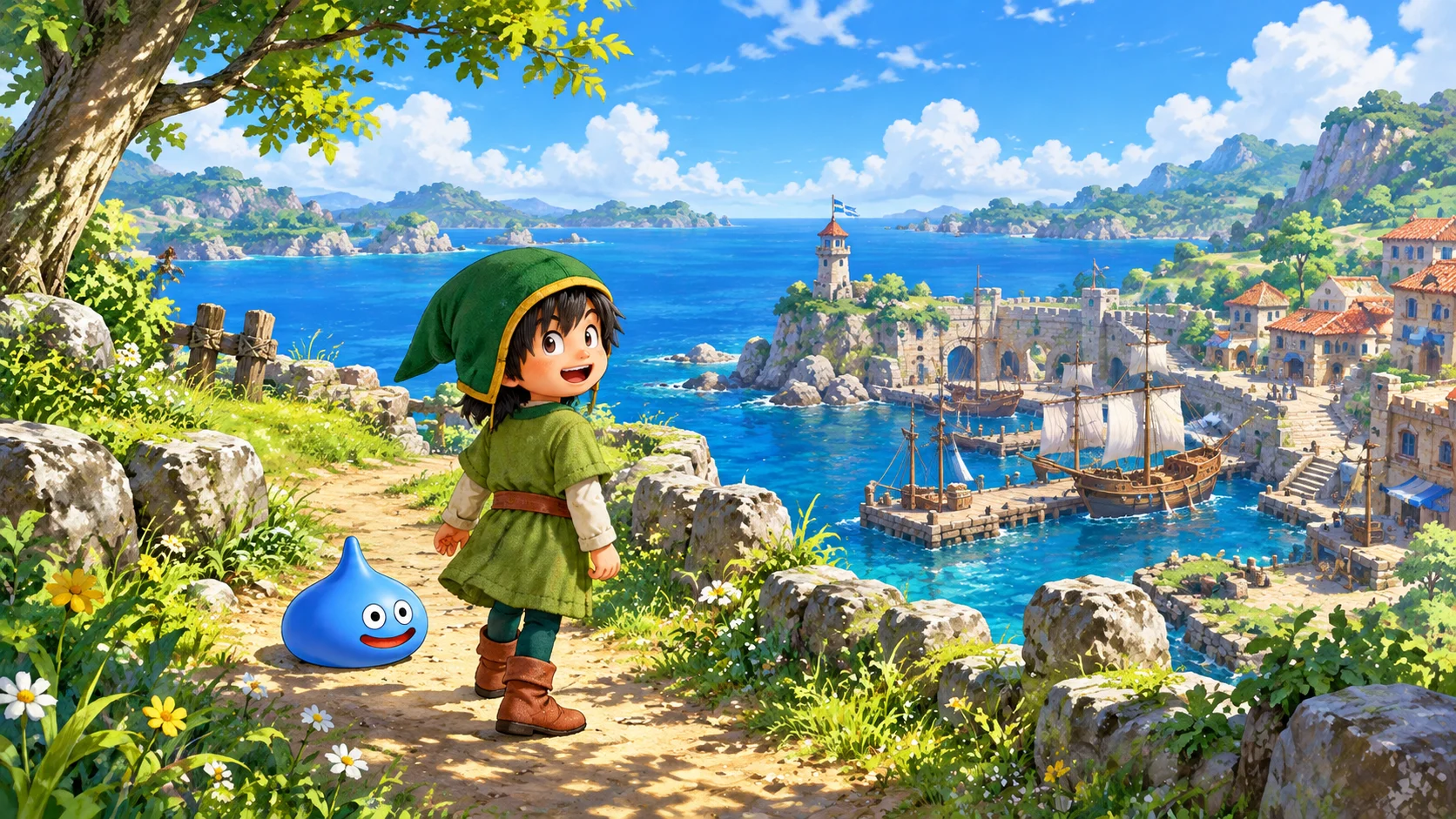
The Dragon Quest VII Reimagined demo supports save transfer to the full game, so you can continue your adventure instead of repeating the opening hours. However, the demo and full release must match platforms. In particular, Nintendo Switch demo data cannot transfer into the separate Switch 2 version. Here is how to protect your progress, understand the restrictions and collect Maribel’s demo outfit bonus.
How Dragon Quest VII Reimagined Demo Saves Carry Over
Square Enix’s save-transfer support page says the full version can load the Adventure Log created in the demo and resume from where you stopped. This is progress carried into the complete game, not merely a reward for trying it. Therefore, keep the original save intact until you have confirmed that the full version loads the correct adventure.
Before switching over, make a normal save in the demo and note the platform, user profile and point you reached. Then launch the matching full version and check that the loaded Adventure Log reflects your progress. These are precautionary checks, not a promise of a particular button layout. If the game presents an unfamiliar prompt, read it before confirming anything that could replace a save.
The official game FAQ confirms that demo saves work with both digital and physical full editions. Consequently, buying a boxed copy does not, by itself, disqualify a matching demo save. Platform compatibility remains the important boundary, so check the actual software name rather than assuming that the same console family means the same version.
Switch and Switch 2 Are Separate Versions
The most easily missed Dragon Quest VII Reimagined restriction concerns Nintendo’s two generations. Square Enix’s specific Switch demo-transfer answer says Switch demo data works only with the Switch full version, while Switch 2 demo data works only with the Switch 2 full version. The same platform-matching rule applies to the demo bonus.
Also, the broader FAQ says there is no Switch-to-Switch 2 upgrade path currently available or planned. The original Switch game can run on Switch 2, but that does not turn it into the dedicated Switch 2 edition or make the saves interchangeable. Decide which software you want before spending several hours in its demo.
| Demo you played | Full version you choose | Progress carries over? |
|---|---|---|
| Nintendo Switch | Nintendo Switch | Yes |
| Nintendo Switch 2 | Nintendo Switch 2 | Yes |
| Nintendo Switch | Nintendo Switch 2 edition | No |
| Nintendo Switch 2 | Nintendo Switch edition | No |
| One platform | A different platform | No cross-platform save transfer |
For a separate example of why platform details deserve a careful read, see our Kingdom Hearts Switch 2 upgrade and save-transfer guide. Each publisher sets its own rules; another game’s upgrade policy does not establish an entitlement here.
How to Get Maribel’s Day Off Dress
The Dragon Quest VII Reimagined demo reward is Maribel’s Day Off Dress, as confirmed by Square Enix’s demo-bonus support article. This is an additional outfit, not evidence of an extra story chapter or a paid-edition upgrade. Keep the reward separate from the question of importing your Adventure Log.
Importantly, starting the full game first does not automatically cost you the outfit. The publisher’s answer for existing players says that after launching the demo at least once, you can receive the bonus when resuming your current full-game save through Continue. You do not need to abandon an established adventure simply because you discovered the demo reward late.
The FAQ directs players to the in-game Claim Special Rewards menu for bonus items. Meanwhile, Square Enix’s original demo announcement includes same-device requirements in its bonus conditions. Use the matching version, profile and device where applicable, and consult support if your situation differs. Do not confuse receiving an outfit with merging progress from two separate saves.
Demo Limits Before You Spend More Time Grinding
Square Enix lists several demo restrictions: the playable range covers the early stages, character level stops at 15, Vocation Rank at 4, and held gold at 10,000. These limits help explain why a trial adventure may stop growing even though you still want to explore or fight more battles.
Most importantly, additional experience earned after level 15 does not carry into the full release. If your goal is an efficient start, repeatedly battling at the cap will not build a hidden reserve of transferable experience. Instead, use the remaining trial time to decide whether you enjoy the pacing and combat. This is practical purchasing advice, not a claim that the demo contains the entire game’s systems.
What to Check If Your Demo Save Is Missing
First, distinguish a missing save from an incompatible version. Confirm the console or PC storefront, software edition and user profile that created the Adventure Log. In particular, check whether you downloaded the original Switch demo on a Switch 2 console. The hardware in your hands does not change which version of the software produced that save.
Next, preserve the existing data while investigating. Avoid deleting the demo save, overwriting slots or starting repeated new adventures as a troubleshooting shortcut. Record what you see and contact Square Enix through its support page if matching software still cannot find the Adventure Log. The official rules do not establish a universal cross-store or cross-platform conversion service, so do not rely on unofficial promises of one.
Is the Dragon Quest VII Reimagined Demo Worth Starting?
Yes, if you want to try the opening before committing and intend to continue on the same platform. The official game site describes an island adventure with diorama-style visuals and a streamlined story. The demo offers a way to judge that presentation for yourself, without treating promotional descriptions as a substitute for your own preferences.
However, choose your final platform first. Readers comparing another generation-specific purchase can also consult our Xenoblade Chronicles 2 Switch 2 edition guide, while remembering that its rules belong to a different game. For this remake, keeping the demo and full release aligned matters more than the physical-versus-digital distinction.
The simplest Dragon Quest VII Reimagined demo plan is to save carefully, continue in the matching full version and claim the outfit separately. Respect the Switch and Switch 2 boundary, do not grind beyond the experience cap expecting extra carryover, and keep your original data until the transfer is confirmed. That protects the time you have already invested.
-
 Gaming3 years ago
Demon Slayer Game Set for Digital Release on Multiple Platforms in 2024
-

 Latest News3 years ago
Release Date Revealed for ‘Rascal Does Not Dream of a Knapsack Kid’
-

 Latest News4 years ago
Love is in Sight! Anime ‘Girl Forgot Glasses’ Unveils Promo & Cast
-

 Gaming3 years ago
Tekken 8 Closed Network Test in July: Register Now
-

 Latest News2 years ago
Kengan Ashura 2nd Season Part 2: Promo, Theme, and Debut Date
-

 Latest News2 years ago
Predicting the Epic: Demon Slayer’s Infinity Castle Arc Movie
-

 Latest News2 years ago
First Glimpse: Live-Action Blue Period Film Trailer Unveiled
-

 Latest News3 years ago
New Baki Manga by Keisuke Itagaki Launching August 2023
